If you are already studying a language regularly, the choice between Lingopie and its alternatives is not really about which app has the most features.
It is about a simpler question: do you want a ready-made catalogue of videos with subtitles, or do you want to study the videos you choose yourself?
That distinction matters because the two approaches solve different problems. Lingopie gives you a large, curated catalogue. Other tools let you bring your own videos and work with the subtitles that are already available.
There is also a third approach: Parlune, which sits outside that split by transcribing the audio itself rather than relying on an existing subtitle track.
This guide looks at Lingopie, what it costs, where its model works well, and the main alternatives — starting with Parlune. For the wider picture, see our roundup of tools for studying YouTube video.
What is Lingopie?
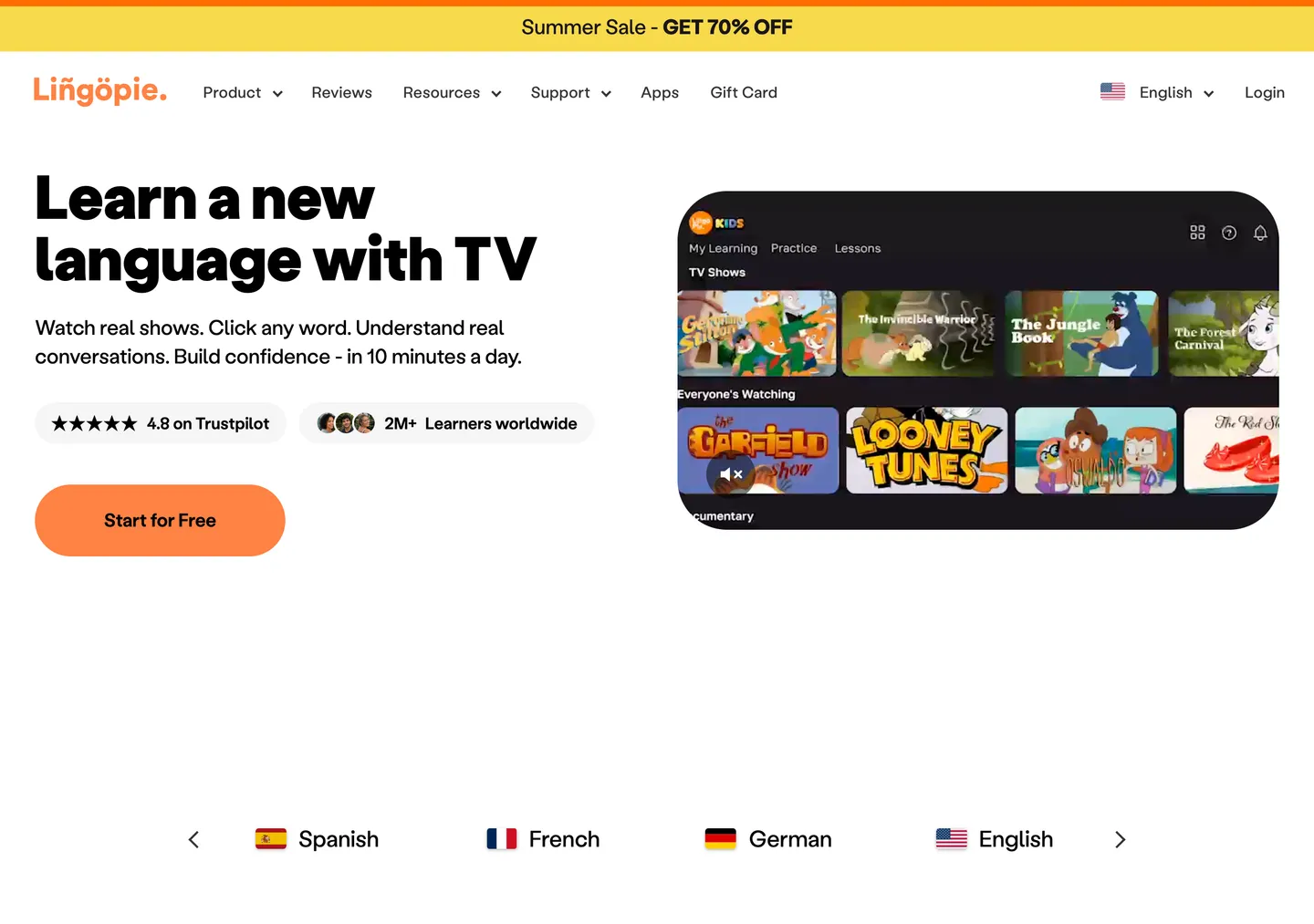
Lingopie is built around a curated catalogue of TV shows and films for language learners. Rather than finding a video elsewhere and trying to make it work as study material, you choose something from Lingopie’s catalogue and study it inside the service.
Lingopie states that its catalogue contains more than 5,000 TV shows and films. Its appeal is therefore fairly straightforward: the content has already been selected for you, and the learning experience is built around that catalogue.
That is an important advantage.
If you regularly find yourself searching YouTube for something interesting to study, only to discover that the subtitles are missing, poor or unsuitable, a curated service removes that particular problem. You are paying partly for the catalogue itself.
The downside is that you are studying what Lingopie has available rather than having complete freedom to choose any video you like.
That is the basic trade-off running through almost every Lingopie alternative.
How much does Lingopie cost?
Lingopie’s usual list prices include a yearly plan at £143.88 for twelve months, equivalent to £11.99 a month. The yearly plan includes all languages.
There is also a three-month plan costing £35.97 in total, or £11.99 a month. The important detail here is that this plan includes one language only.
At the other end of the pricing options is the lifetime subscription, with a usual one-time price of £630. It includes all languages.
At those usual prices, the lifetime plan takes about 4.4 years to cost less than repeatedly renewing the yearly plan.
Lingopie also offers a seven-day free trial with full access on every plan.
Prices can change and Lingopie may run promotions, so the sensible place to check the pricing is its pricing page.
One thing worth watching when comparing reviews is that some older articles still mention a four-account plan that no longer exists. The three-month plan also does not include all languages, despite what a quick comparison of prices might suggest.
The bigger question: catalogue or your own videos?
This is where the alternatives become much easier to understand.
There is a line running through these products.
On one side are services such as Lingopie, Yabla and FluentU. They give you a curated catalogue of content designed to be used for language learning, with human-written subtitles.
On the other side are tools such as Language Reactor, Trancy, the Mango Languages browser plugin and ASBPlayer. These let you bring your own video and work with whatever subtitle text already exists.
That sounds like a small distinction. In practice, it can determine whether a tool fits the way you study.
We wanted to see how much of a limitation existing subtitles actually are, so we read the subtitle tracks of 392 YouTube videos across ten study languages. Of those videos, 363 were genuinely in the language searched for.
Only 73 of those 363 had a human-written subtitle track in the language being studied. That means 290 did not.
In other words, 79.9% of the in-language videos we looked at had no human-written subtitles in that language. Only 20.1% did.
The difference between languages was substantial. Spanish had human-written subtitles on 5.1% of the videos we examined, while Korean was the highest at 45.5%. That matters if you are learning Spanish with YouTube.

That puts some of the usual advice about free browser extensions into perspective. A tool that relies on whatever subtitles a YouTube video already has can be extremely useful when the right subtitle track exists. But when it does not, the tool cannot solve that underlying problem.
This is also where Lingopie’s catalogue makes more sense. You are not simply paying for its player. You are paying for access to a library of content that is already suitable for the service’s approach to learning.
That is a genuine strength of Lingopie.
The alternatives
1. Parlune: build your own catalogue from videos you already watch
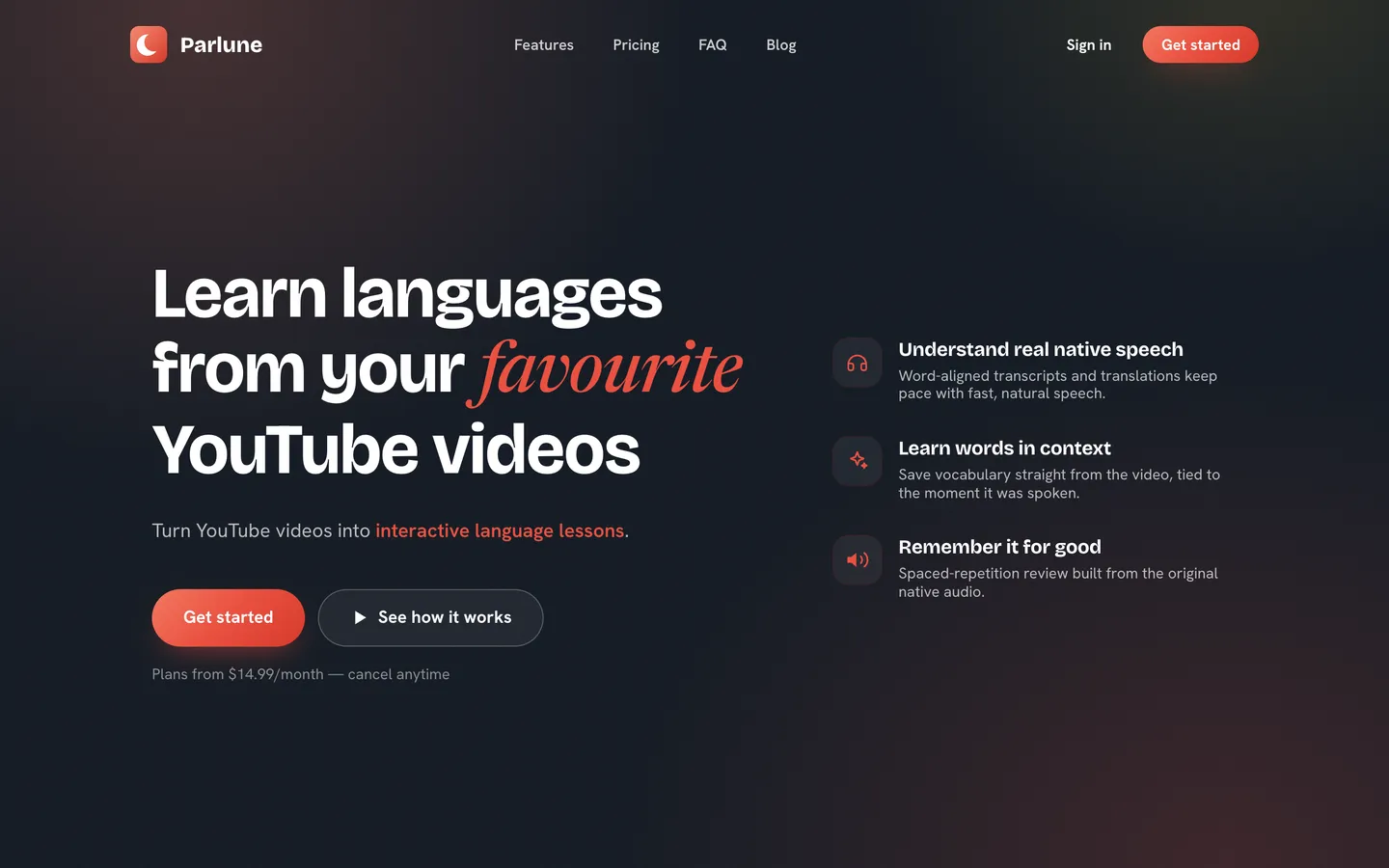
Parlune is our own product, and it takes a different approach from both Lingopie and the standard browser-extension model.
Instead of requiring an existing subtitle track, Parlune transcribes the video’s audio itself. You bring the YouTube video you want to study, and Parlune creates the text from the audio rather than looking for an existing subtitle track.
That makes it particularly relevant if your main problem is not finding language-learning content, but finding usable text to study alongside the content you already want to watch.
This distinction matters because our subtitle census found that 79.9% of the in-language YouTube videos we examined did not have a human-written subtitle track in the language being studied.
Parlune therefore makes a different trade-off from Lingopie. You get to choose the video yourself, rather than choosing from a curated catalogue, while the text does not depend on an existing subtitle track.
Parlune supports 30 languages on every plan. The Normal plan costs $14.99 a month and includes 10 hours of new content added per month. The Heavy plan costs $24.99 a month and includes 20 hours.
So which is better?
If you want a large ready-made catalogue and like browsing for something to watch inside the service, Lingopie is the more natural fit. If you already have YouTube videos, podcasts, interviews, vlogs or other material you specifically want to study, Parlune is designed around that behaviour.
2. Language Reactor: best when the subtitles already exist
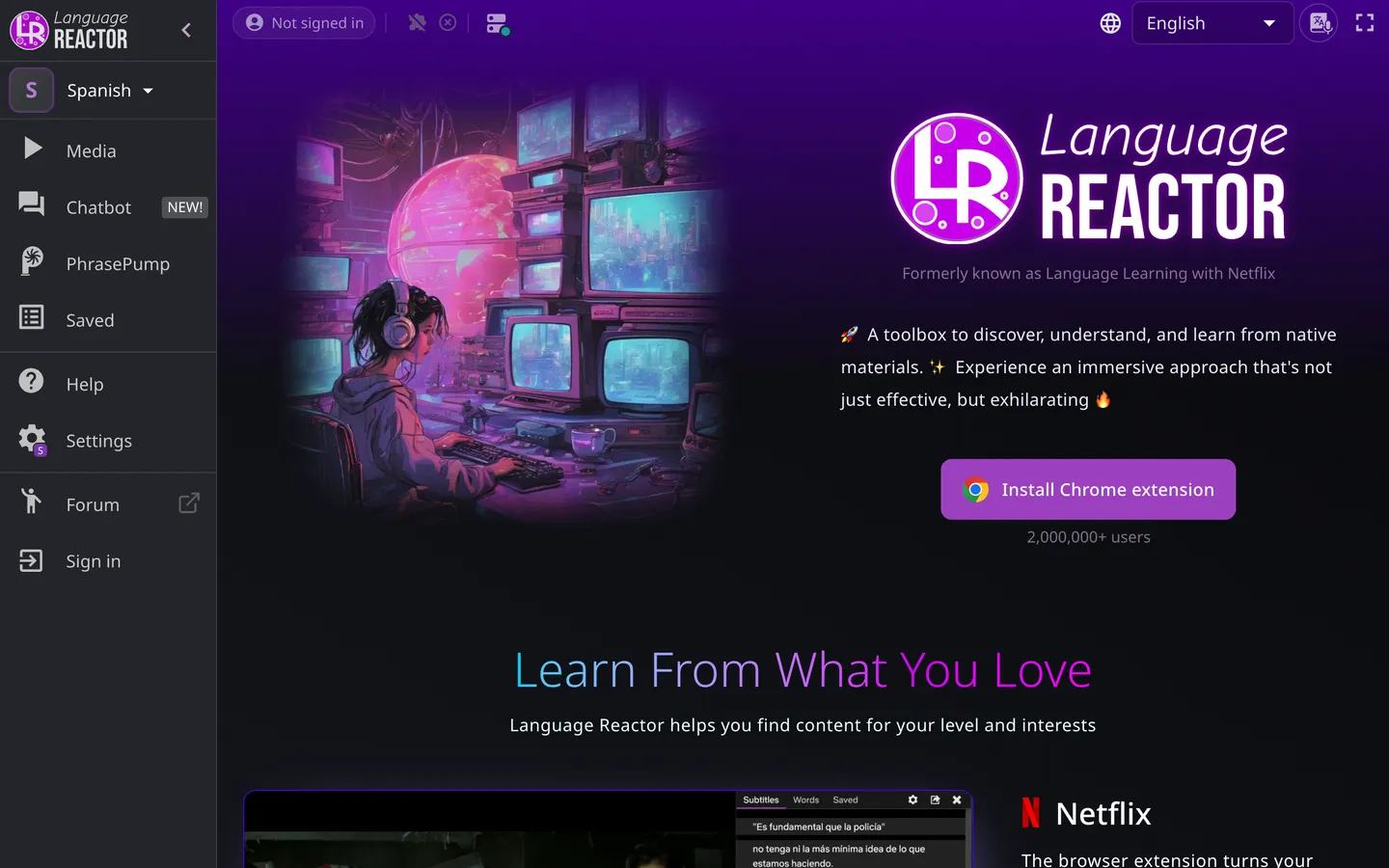
Language Reactor is closer to the classic “bring your own video” approach.
You find something you want to watch and use the tool with it, rather than choosing from a dedicated catalogue of language-learning programmes.
That gives you a lot more freedom over what you study. If your favourite content is on YouTube, this can be a very natural workflow.
The catch is the same one that applies to other tools in this category: the usefulness of the experience depends on the subtitle text that already exists for the video.
Our census gives some idea of how often that can be a problem. Across the 363 videos that were genuinely in the searched-for language, 290 had no human-written subtitles in that language.
We cover it more fully in our guide to Language Reactor alternatives. So Language Reactor can be the better choice if you regularly find videos with suitable subtitles and want to study those specific videos. It is less compelling if finding usable subtitle text is already the biggest obstacle in your workflow.
3. Trancy: another bring-your-own-video option
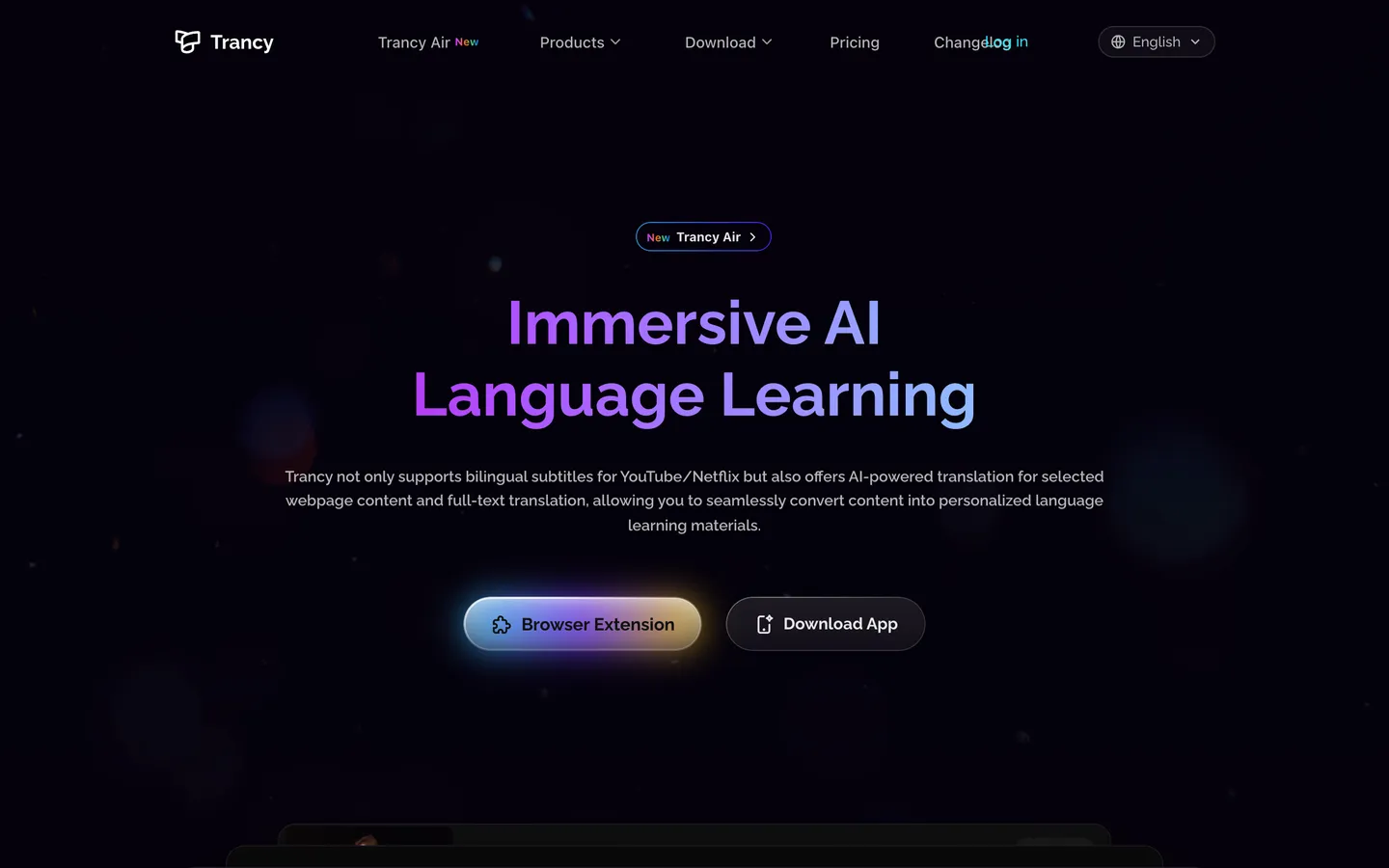
Trancy also belongs on the bring-your-own-video side of the line.
Its appeal is similar: rather than limiting you to a particular catalogue, you can work with videos you find yourself.
That makes it attractive for learners who discover study material organically and want to use the same content for language learning.
But again, there is an important qualification. If the workflow depends on existing subtitle text, then the availability of that text becomes part of the product experience.
For someone who has already found a video with suitable subtitles, that may not matter much. For someone who repeatedly encounters videos without human-written subtitles, it is a much bigger limitation.
Trancy is therefore a reasonable fit when content choice matters more to you than having a curated learning library and the subtitle situation for the content you watch is generally good enough.
4. Yabla: a curated catalogue approach
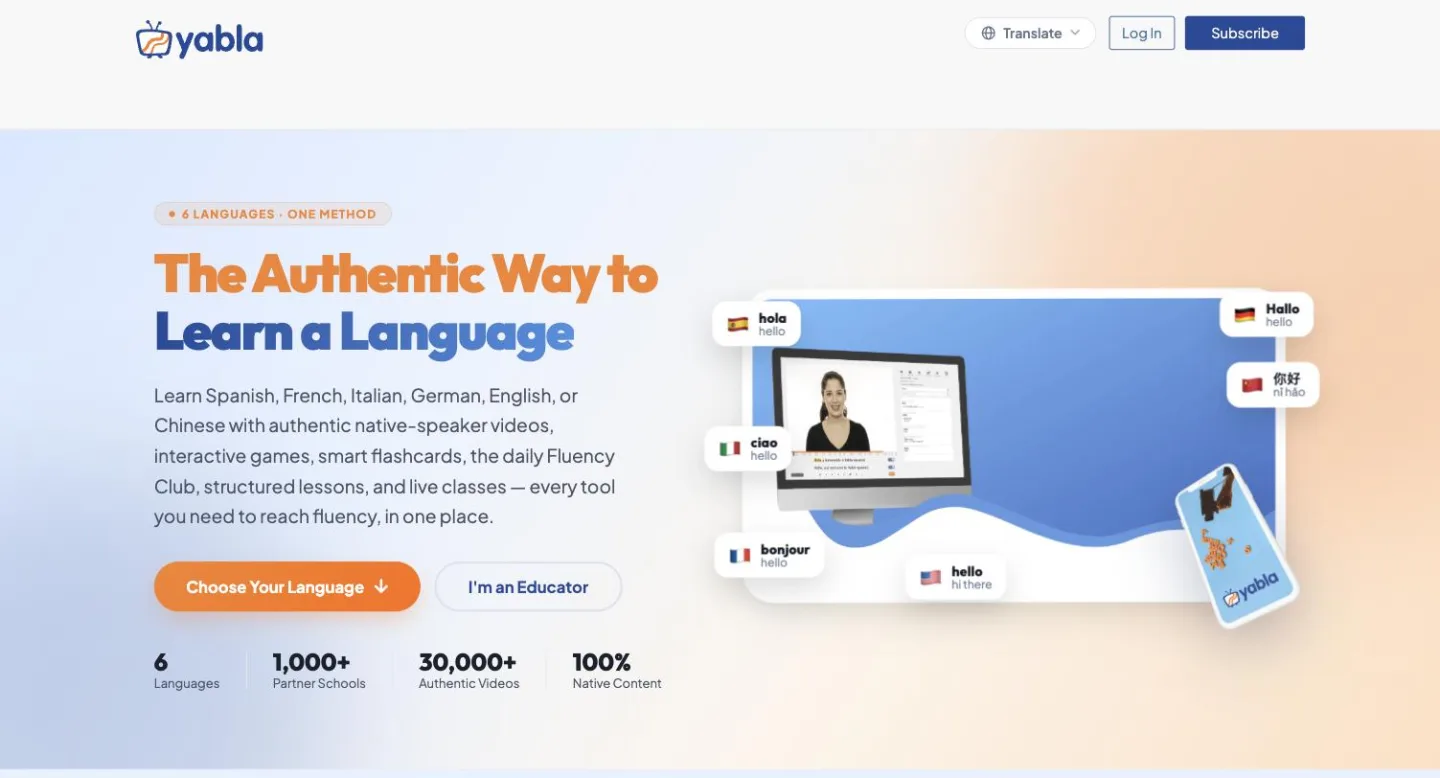
Yabla takes the other side of the divide.
Like Lingopie, it provides a curated catalogue rather than asking you to supply the videos yourself. That makes it more appropriate for someone who wants language-learning content selected for them rather than wanting to turn the entire internet into their study library.
The advantage of this approach is consistency. You are not starting each study session by asking whether a random YouTube video happens to have suitable subtitles.
The trade-off is equally clear: your choice is constrained by the catalogue.
So if your priority is structured access to curated video content, Yabla belongs in the same broad category as Lingopie. If your priority is studying a particular YouTube creator, interview or video you have already found, a bring-your-own-video tool may make more sense.
5. FluentU: curated content for learners
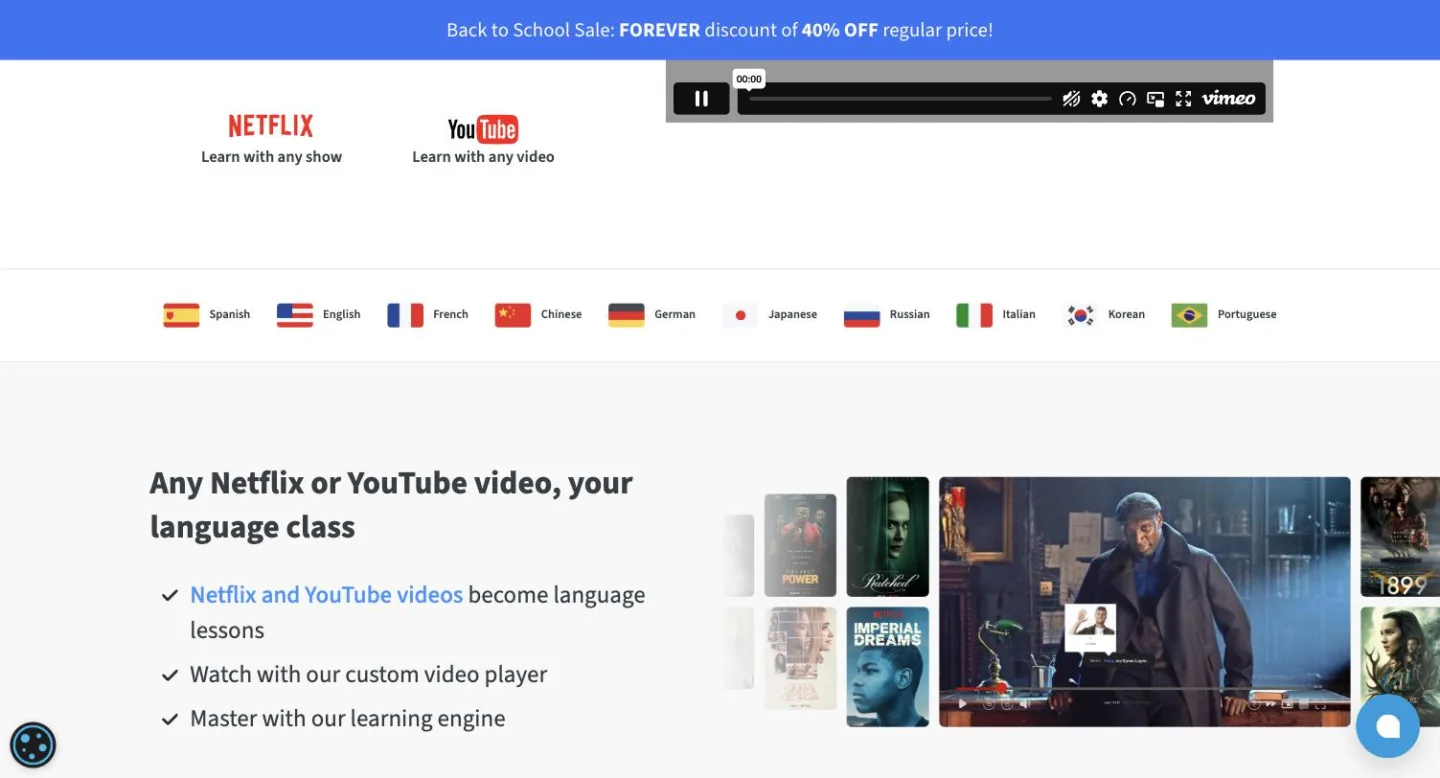
FluentU is another curated-catalogue alternative.
Like Lingopie and Yabla, its model is based on giving learners content that has been selected for language study, rather than simply handing you a player and asking you to find suitable material yourself.
That makes it a better comparison with Lingopie than with browser-based tools such as Language Reactor or Trancy.
The decision between the two therefore comes down less to “which has subtitles?” and more to which catalogue and learning experience you prefer.
If you want a ready-made library and do not want the quality and availability of YouTube subtitle tracks to determine what you can study, FluentU is the kind of alternative worth considering.
If the content you want is usually something you have already found yourself, however, a bring-your-own-video option can be more appropriate.
6. Mango Languages via the browser plugin
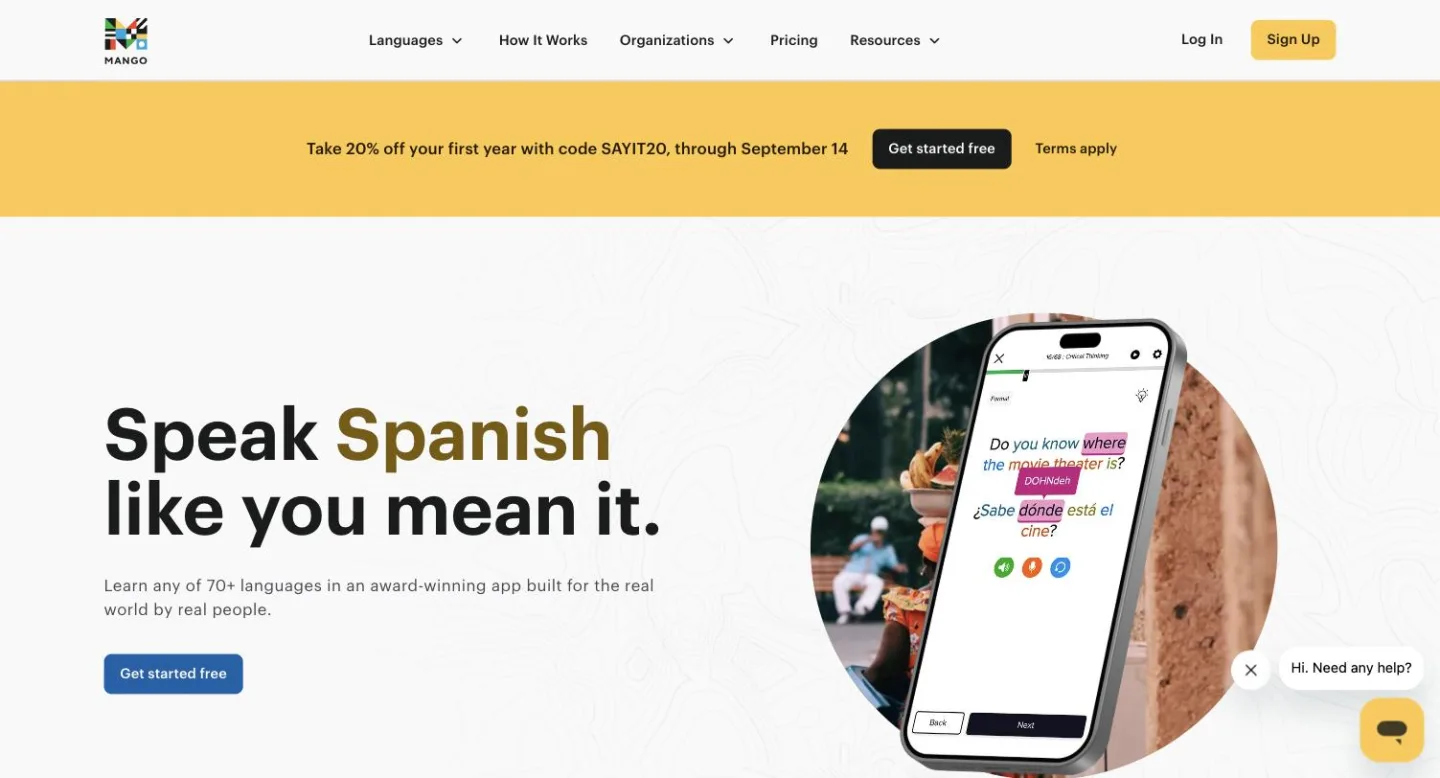
Mango Languages is slightly different again, particularly when considered through its browser plugin.
It can be used with your own video, putting it closer to the bring-your-own-content group than to Lingopie’s curated catalogue model.
That makes it worth considering if you want to keep choosing your own material rather than moving to a service built around a fixed catalogue.
The same basic limitation applies, though: when a tool relies on text that already exists with the video, the availability of that text matters.
There is also one unusual way the cost equation can change. Learners in a forum thread have reported that some public libraries provide free access to Mango Languages, and some provide access to Lingopie itself. That is not information from either company, so check your own library to see whether it offers either service.
Two more names worth knowing
ASBPlayer and Woodpecker Learning are also worth mentioning if you are exploring the bring-your-own-video side of the market.
They fit into the broader group of tools where the learner chooses the content rather than starting with a curated catalogue.
That can be exactly what you want if you have already built a habit around finding your own videos. But, as with the other tools in this category, existing subtitle availability can become the limiting factor.
Is there a genuinely free Lingopie alternative?
Yes — but “free” often means that you pay in another way.
The most obvious free approach is to use a browser extension or player with videos you already watch. You do not need to pay for a curated catalogue, but you are dependent on the subtitles that those videos already have.
Our census found that 79.9% of the in-language YouTube videos we examined had no human-written subtitles in the language being studied.
So the cost of a free tool may be content choice. You can use the videos you want, but only when the underlying subtitle situation is good enough.
Another possibility is access through a public library. Learners in a forum thread have reported free access to Mango Languages, and some reported free access to Lingopie. Because those reports came from learners rather than the companies, check your own library rather than assuming you have access.
Parlune does not have a free tier or free trial.
The important point is that there is no completely free solution that magically removes the underlying trade-off. If you want a curated catalogue, you are generally paying for that catalogue. If you want to bring your own videos for free, you may have to accept whatever text is already available.
Lingopie weaknesses: what reviewers complain about
Lingopie is not a bad fit simply because it has limitations. The more useful question is whether those limitations matter to you.
Some reviewers have criticised its filtering, saying that the options for finding exactly the kind of content they want are weak.
Others have described its built-in flashcards and quizzes as basic. If those learning features are a major part of what you want from a language-learning service, that may affect how you judge the product.
Reviewers have also said that Lingopie is not particularly well suited to absolute beginners.
Those are reviewer views rather than conclusions from our own testing, but they are worth considering alongside the bigger catalogue-versus-own-content question.
There is also a more fundamental limitation: a curated catalogue is still a catalogue. If the video you desperately want to study is not in it, the size of the library does not change that.
Conversely, that limitation is also what makes Lingopie useful. The catalogue means you do not have to spend your time hunting around for videos with usable subtitles.
Lingopie alternatives compared
| Tool | Basic approach | Best suited to | Main trade-off |
|---|---|---|---|
| Parlune | Bring your own YouTube video; transcribes the audio itself | Learners who want to study specific videos regardless of existing subtitle availability | Paid service; no free tier or trial |
| Language Reactor | Bring your own video and use existing subtitles | Learners who regularly find videos with suitable subtitles | Depends on existing subtitle availability |
| Trancy | Bring your own video | Learners who want freedom to choose their own content | Existing subtitle availability matters |
| Yabla | Curated catalogue | Learners who want ready-made study content | You are limited to the catalogue |
| FluentU | Curated catalogue | Learners who want a ready-made library of learning content | You are limited to the catalogue |
| Mango Languages plugin | Bring your own video | Learners who want to use their own content | Existing subtitle availability matters |
| Lingopie | Curated catalogue | Learners who want a large ready-made library | You are limited to the catalogue |
| ASBPlayer | Bring your own video | Learners who want to work with their own content | Existing subtitle availability matters |
| Woodpecker Learning | Bring your own video | Learners who prefer choosing their own material | Existing subtitle availability matters |
Which Lingopie alternative is right for you?
If you want a catalogue, Lingopie, Yabla and FluentU are the most natural options in this comparison. You are paying for access to content that is already part of the learning environment, rather than building your own library from YouTube.
If you already have a long list of YouTube videos you want to study, Language Reactor or Trancy may suit you better — particularly when those videos already have usable subtitles.
If you want your own videos but do not want existing subtitles to determine what you can study, Parlune is the more relevant option. Its approach is to transcribe the audio itself, so the starting point is the video you choose rather than the subtitle track it happens to have.
If you want a curated service but are comparing Lingopie specifically, FluentU and Yabla are the closest alternatives in terms of the basic catalogue model.
And if price is the deciding factor, it is worth checking your public library before paying. Learners have reported free access to Mango Languages and, in some cases, Lingopie through public libraries.
The choice comes down to your study habit
There is a tendency to compare language-learning tools by counting features. For this particular category, that can miss the most important question.
Ask yourself what normally happens when you find a video you really want to study.
If your answer is, “I want something from a particular catalogue, and I would rather have the subtitles and learning environment ready for me,” Lingopie makes a lot of sense. That catalogue is not a minor feature; it is the reason to pay for the service.
If your answer is, “I already know what I want to watch — I just need a way to study it,” then a bring-your-own-video tool is probably closer to what you need.
And if the answer is, “I want to choose my own videos, but the lack of usable subtitles keeps getting in the way,” that is the gap Parlune is built around.
Our census found human-written subtitles in just 20.1% of the in-language YouTube videos we examined, with the figure varying considerably by language. That makes subtitle availability more than a minor technical detail. It can determine how much of YouTube is actually usable as study material.
So the best Lingopie alternative is not necessarily the one with the longest feature list. It is the one that matches where your study material comes from.
Common questions
Is Lingopie really worth it?
Lingopie can be worth paying for if you want a curated catalogue of TV shows and films with the learning experience built around that content. Its main value is the catalogue itself. If you prefer choosing your own YouTube videos, however, an alternative may fit your study habits better.
Is there a free Lingopie alternative?
Yes. You can use free browser-based tools with your own videos, although they generally depend on whatever subtitle tracks already exist. Our census found that 79.9% of the in-language YouTube videos we examined had no human-written subtitles in the language being studied. Some learners also report free library access to Lingopie or Mango Languages, so check your own library.
Final thought
Lingopie and its alternatives are not really competing to solve exactly the same problem.
Lingopie says, in effect, here is a catalogue of content you can study.
Language Reactor, Trancy and similar tools say, find the content yourself and use the subtitles that come with it.
Parlune takes a different approach: choose the video yourself, and we’ll transcribe the audio ourselves to ensure a high-quality transcription is available to study from.
Once you look at the choice that way, the decision becomes much simpler.
The question is not which app has the most features. It is whether you want to choose from a catalogue, choose from the internet, or choose from the internet without having the video’s existing subtitles decide what you can study.
If it is the last of those, start with your own video.