Language Reactor helped define the modern way of learning a language with real-world video. Its combination of interactive subtitles, transcripts and vocabulary tools made Netflix and YouTube much more useful for self-taught learners, and its own homepage says it now has more than 2 million users.
So why look for a Language Reactor alternative? It is the same question behind picking any tool for studying YouTube video.
Sometimes it is because a feature you rely on is behind Pro, or because you are deciding whether the subscription is worth paying for. Sometimes you want stronger flashcards, a different spaced-repetition workflow, mobile access, or support for another kind of content.
But there is another question that tends to get lost in feature comparisons:
What happens when the video you want to study does not have subtitles in your language?
That turns out to be a much bigger problem than you might expect.
We sampled 392 real YouTube videos across 10 languages, including podcasts, interviews, daily vlogs and news. Of those videos, 363 were genuinely in the language searched for. 290 of those 363 — 79.9% — had no human-written subtitles.
That finding changes how some of these tools should be compared. Most language-learning platforms in this category work with subtitles or transcripts that already exist. If the video has no text in your target language, a great subtitle interface does not solve the underlying problem.
This guide looks at Language Reactor first, then compares five alternatives — with that question in mind.
What Language Reactor does well
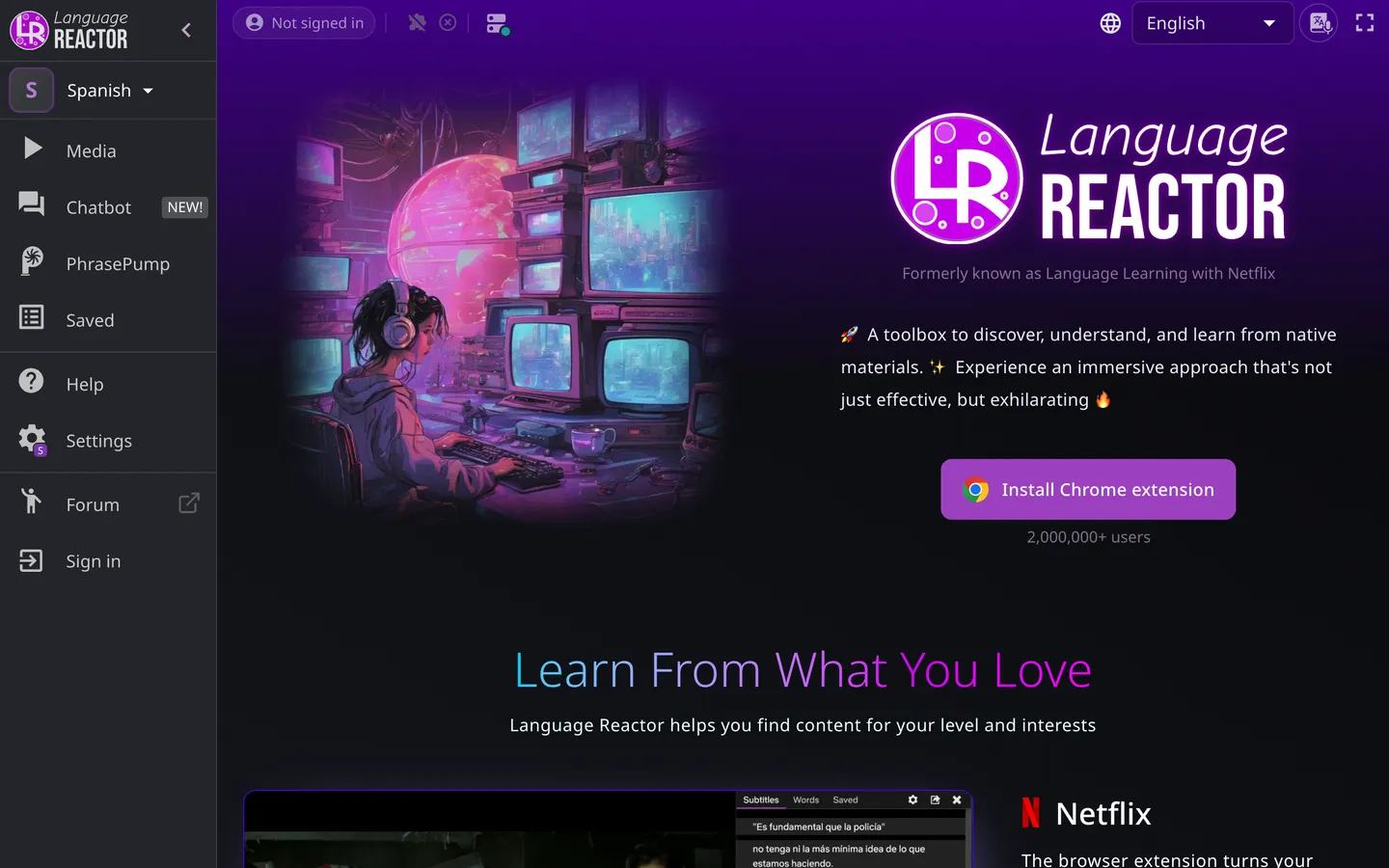
Before looking at alternatives, it is worth being fair about what Language Reactor gets right.
It built much of the category that these alternatives now compete in. The basic idea is straightforward: take video content, make the subtitles interactive, and turn watching into active language study rather than passive viewing.
Language Reactor supports content in more than 40 languages and has more than 2 million users according to its own homepage. For learners whose favourite videos already have usable subtitles, its workflow remains compelling.
Its free tier lets you use subtitles provided by Netflix. Pro adds features including saving words across all features and Anki export; free saving is limited to PhrasePump.
Language Reactor’s Pro page also presents speech recognition and machine translation under a Netflix heading. The important point for this comparison is that Language Reactor can work from the subtitle track selected in YouTube’s own controls rather than automatically creating a new transcript for every YouTube video.
On mobile, Language Reactor says it works on phone and tablet. It does not have a native iOS or Android app.
For a UK visitor, Language Reactor Pro was showing at £4.47/month, with £10.47 for three months or £29.99 for one year. Its Bitcoin option starts at $7/month, with no recurring charge.
So if your videos already have the subtitles you need, there is a strong argument for simply staying with Language Reactor.
The reason to look elsewhere is when the workflow itself becomes the limitation.
The problem with assuming YouTube has subtitles
It shapes what you can study long before it shapes which tool you buy, whether you are picking Spanish material on YouTube or working in any other language.
The usual way of comparing language-learning tools is to ask which platforms they support, whether they have flashcards, whether they export to Anki, and how much they cost.
Those are useful questions. But they come after a more basic one:
Is there any text for the tool to work with?
We sampled 392 real YouTube videos across 10 languages. 79.9% had no human-written subtitles.
Practically, that means one of two things. Either there is no subtitle track at all, in which case studying the video with a tool like Language Reactor simply is not possible. Or there is only YouTube’s machine-generated transcript — infamously inaccurate, and delivered as an unbroken run of words with no sentence punctuation.
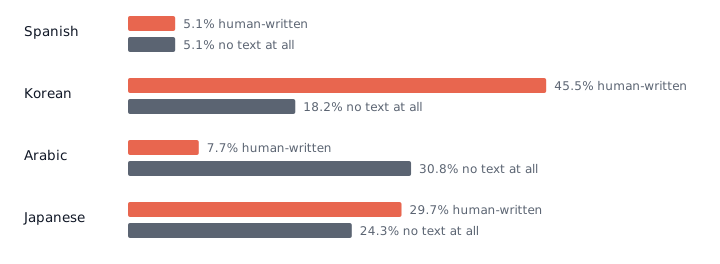
That is why the question of how a tool gets its text matters just as much as what it does with that text.
The 5 best Language Reactor alternatives
1. Parlune
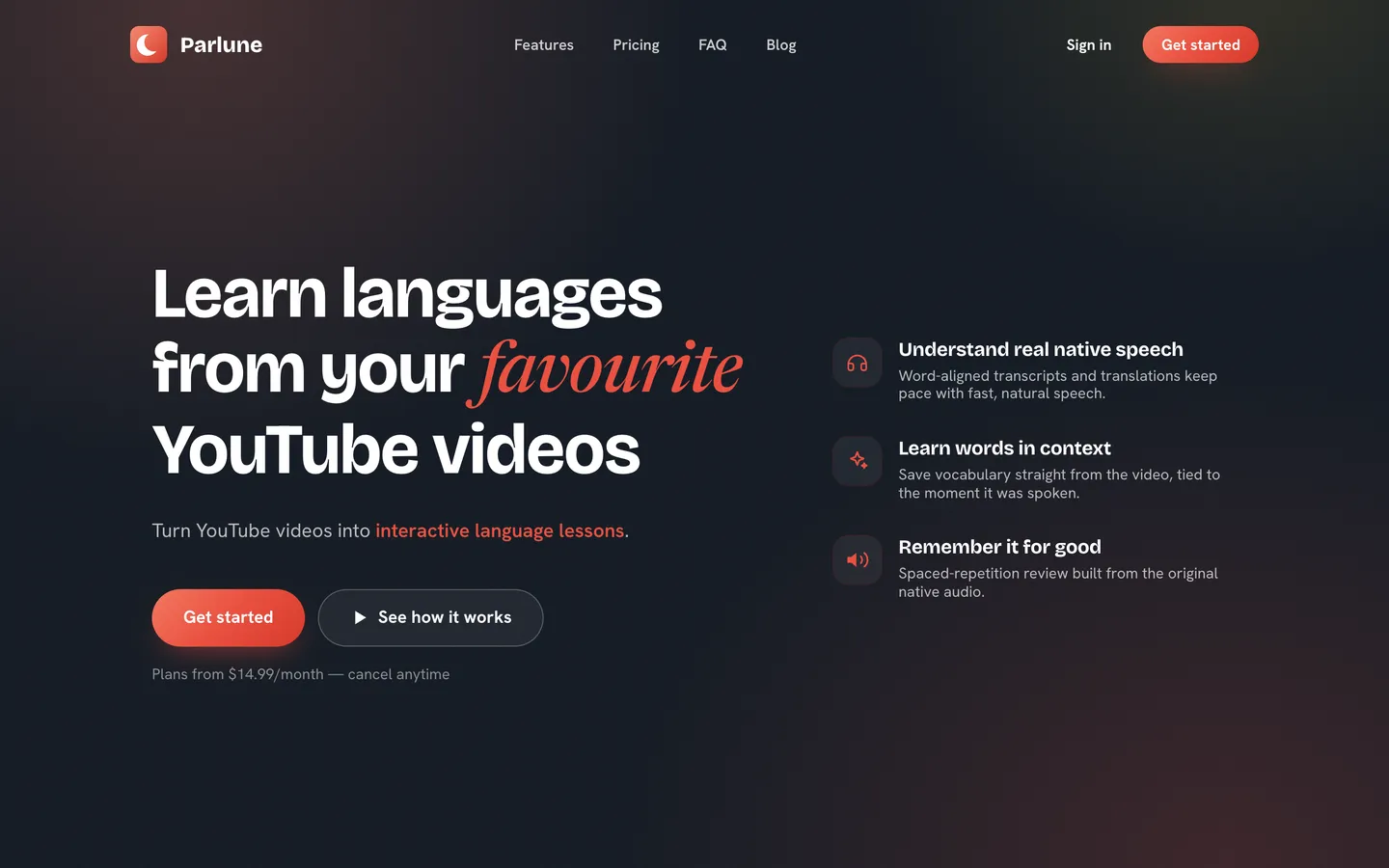
Parlune takes a different approach to subtitles. Instead of looking for an existing subtitle track, it creates one from the video’s audio.
Paste in a YouTube URL and Parlune transcribes the video, turns the transcript into proper sentences, adds punctuation and translates it. So if a video has no useful subtitles, you’re not stuck with a wall of messy machine-generated text — you get something you can actually work through sentence by sentence.
The transcript is also synced to the audio at word level. As the speaker talks, the text follows along, which makes it much easier to connect what you’re hearing with what you’re reading. You can tap a word to see what it means in context, then save it for later.
Saved words and sentences aren’t just turned into ordinary flashcards. Parlune uses them to create 11 short audio games covering listening, recall, recognition, comprehension and spelling. Because the exercises use the original speaker’s voice, you’re practising with the same voice and accent you encountered in the video rather than a generic recording.
Parlune supports 30 study languages.
There are some obvious trade-offs. It’s YouTube only, there’s no free tier, and it’s the most expensive option in this list: $14.99/month for 10 hours of new video, or $24.99/month for 20 hours.
That’s largely because Parlune is doing something the other tools don’t need to do every time: transcribing the audio itself. If a usable caption file already exists, there’s very little cost involved in reading it. Transcribing an hour of audio, on the other hand, costs money every time, which is why Parlune has limits on how much new video you can process.
Parlune’s focus is making sure every video you study has a high-quality, properly punctuated transcript that you can follow alongside the audio, and the only way to achieve that is by transcribing text from audio directly.
2. Trancy
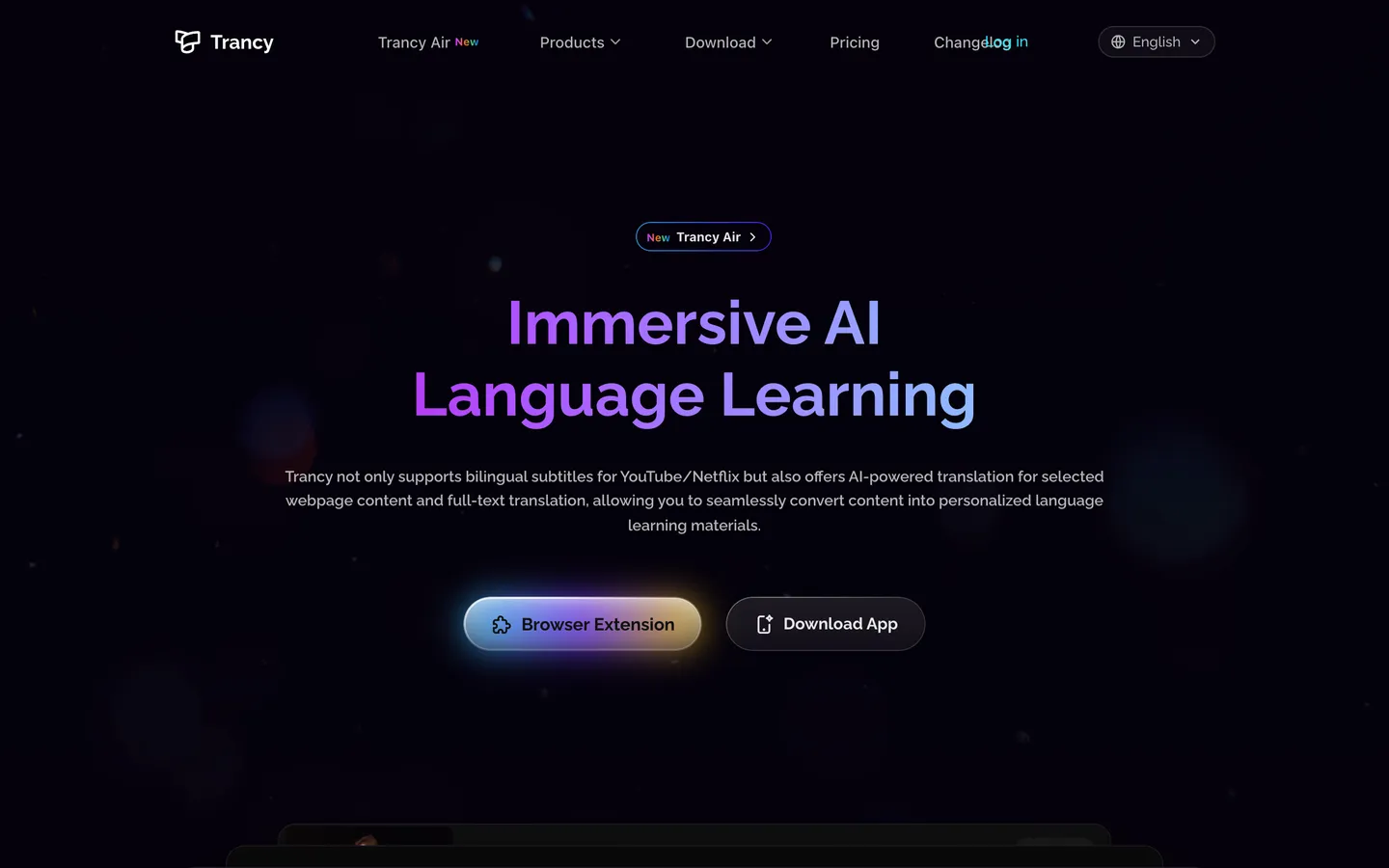
Trancy is one of the closest alternatives to Language Reactor because it also turns online video into an interactive language-learning environment.
The interesting difference is its approach to YouTube transcription. Trancy offers AI subtitle transcription for YouTube as a Premium-only feature. Its free tier segments subtitles that already exist.
That makes the distinction between free and paid particularly important. If a video already has subtitles, the free tier can work with them. If you need Trancy to generate subtitles from a YouTube video, you need Premium.
At the time of writing, Trancy Premium was advertised at $3.49/month as a sale price, under a 35% offer. Premium + Advanced AI was $8.79/month as a sale price under the same offer.
Premium’s YouTube AI transcription is capped at 40 videos per day, rising to 60 videos per day on Premium + Advanced AI.
The free tier also has limits of 100 word bookmarks and 50 sentence bookmarks.
For learners who want something recognisably similar to Language Reactor but want AI-generated YouTube subtitles as part of the paid offering, Trancy is one of the most obvious alternatives.
3. Migaku
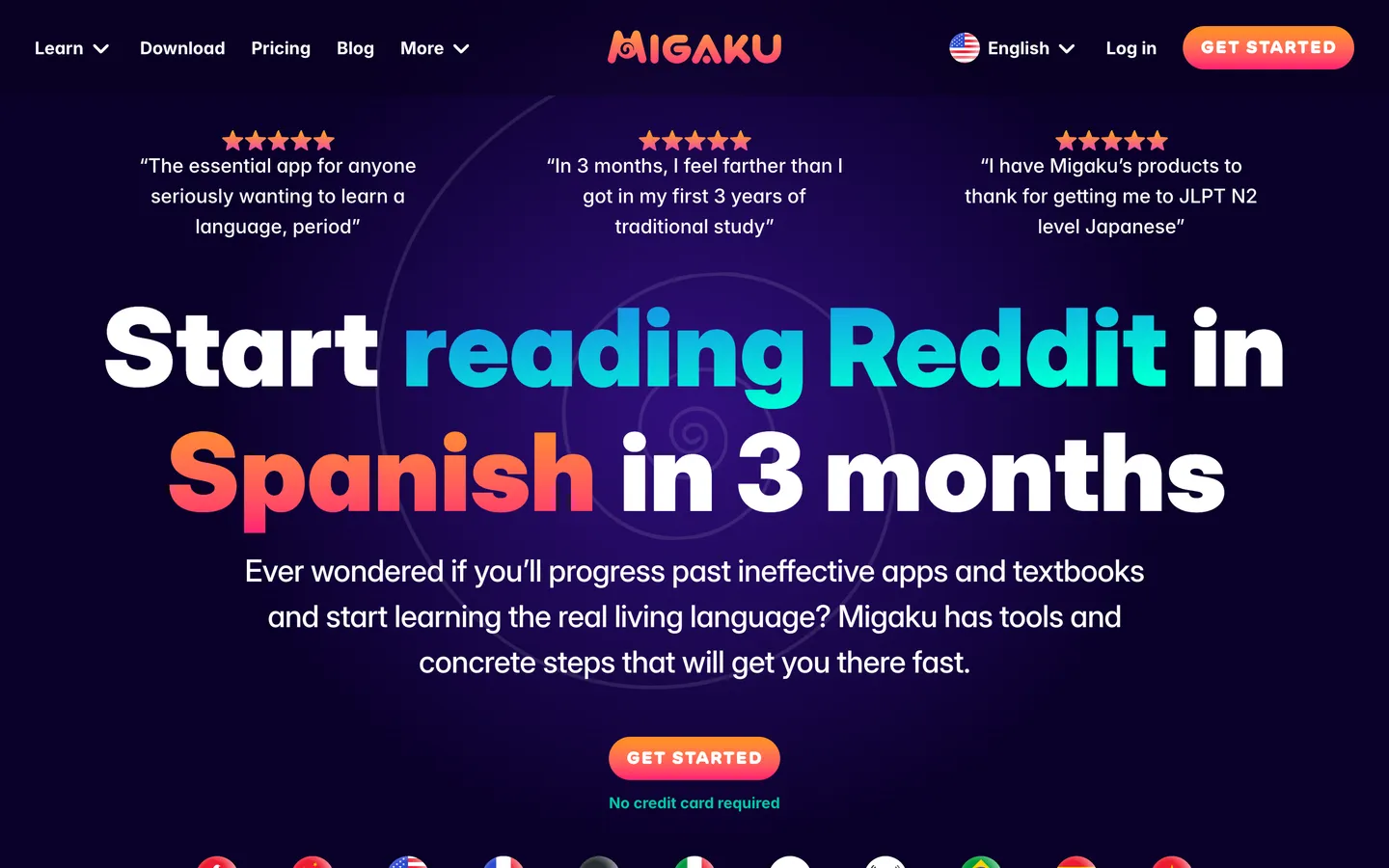
Migaku is a different proposition. Rather than making the video interface itself the whole point, it puts more emphasis on connecting the content you consume with deliberate vocabulary study.
That makes it particularly interesting if flashcards and spaced repetition are central to your routine.
Migaku Standard costs $10/month or $96/year. Early Access costs $15/month or $144/year, and there is a $499 Lifetime option.
There is a 10-day free trial and a 14-day money-back guarantee.
Migaku supports 11 languages, fewer than Language Reactor and Parlune, but its appeal is less about having the broadest possible language count and more about the depth of its learning workflow.
If your ideal system is something where discovering a word in content naturally leads into flashcards and spaced repetition, Migaku is worth considering.
The trade-off is price. Its paid plans are significantly more expensive than Language Reactor’s basic Pro subscription, particularly if you choose Lifetime.
4. Lingopie
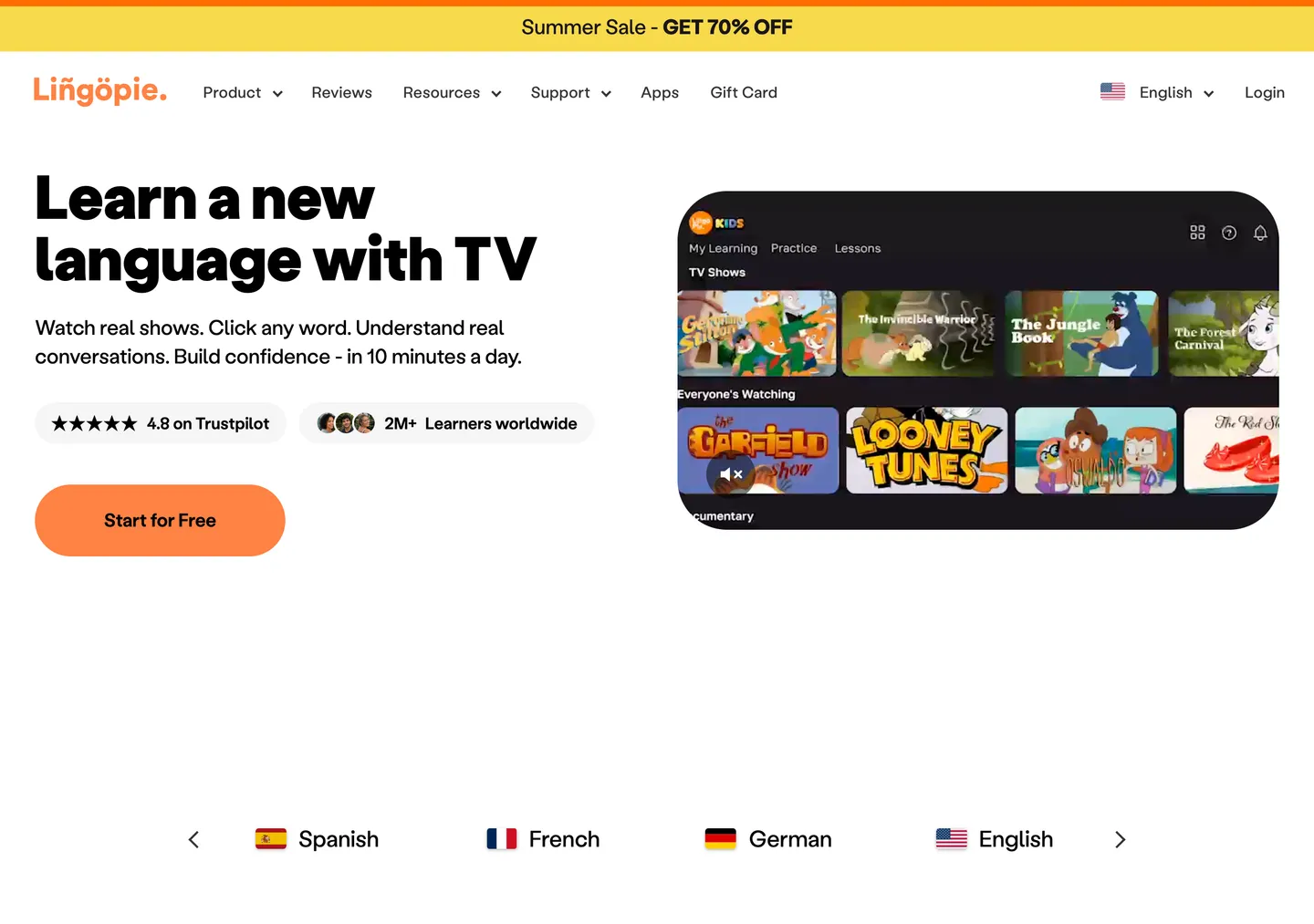
Lingopie takes a different route again: instead of primarily being a tool you bring to whatever YouTube content you happen to find, it provides a catalogue of language-learning video content.
Its pricing page listed a 7-day free trial. At the time it was read, the 3 Month Plan was £11.99/month, billed at £35.97, as a sale price under a 70% offer. The Yearly Plan was £4.99/month, billed at £59.88 for the year, also as a sale price under the same offer.
A plan includes one language, and Lingopie lists more than 5,000 TV shows and films in its catalogue.
That makes Lingopie a particularly interesting alternative for someone who wants curated video content rather than building their learning library around YouTube.
The trade-off is equally straightforward: you are choosing a catalogue-based approach rather than the open-ended selection of videos available on YouTube.
If you already have a long list of YouTube creators, podcasts and channels you want to study, Parlune or Language Reactor may fit that habit better. If you want to open an app and choose from a catalogue of shows designed for language learners, Lingopie is a different and potentially better fit.
5. LingQ
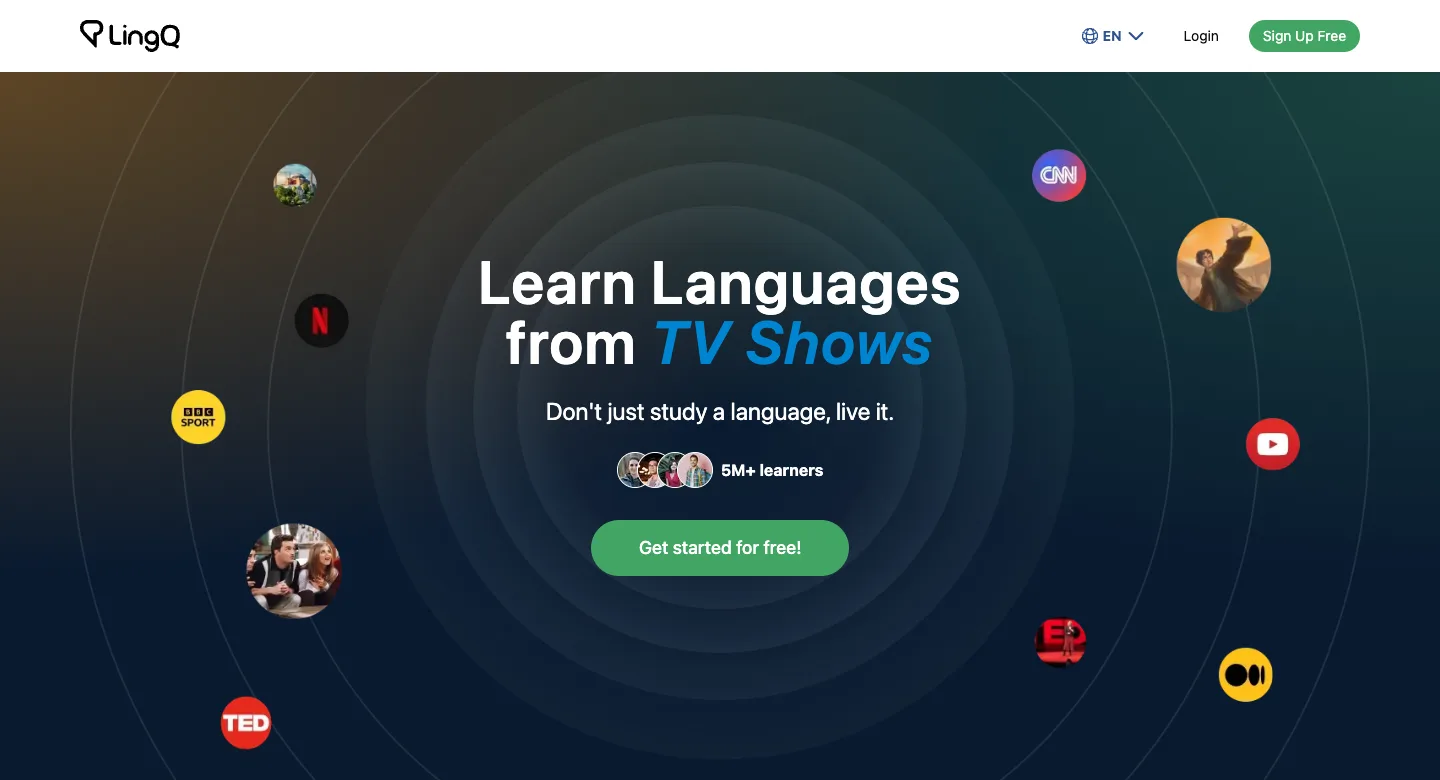
LingQ is broader than a pure subtitle-learning tool. Its own homepage says it has 5M+ learners and offers content in 52 languages.
The platform is built around learning from real content, with vocabulary and study tools forming part of the wider system. That makes it worth considering if your interests go beyond watching videos with interactive subtitles and into building a broader library of material to study.
There is a free tier, and it is a real one rather than a trial, though it is tightly bounded: 20 saved words, 5 lessons created from imported content, and 1 audio playlist. Premium lifts those limits at £12.99/month, falling to £8.67/month on a twelve-month term and £7.50/month on twenty-four. A Premium Plus tier adds AI transcription and voices at £22.99/month, or £17.50/month on twelve.
That makes LingQ the one tool here whose free tier lets you keep using it indefinitely rather than pushing you to decide within a fortnight — but 20 saved words is a handful of minutes of real study, so the free tier is closer to an extended demonstration than a way to work.
Which Language Reactor alternative fits you?
The answer depends on what is actually getting in the way of your current setup.
Stay with Language Reactor if you like its workflow, mainly use Netflix or YouTube content with subtitles already available, and want a mature tool with broad language support. There is no reason to switch simply because alternatives exist.
Choose Parlune if the biggest problem is subtitle availability. If you repeatedly find YouTube videos you want to study but there is no text in your target language, Parlune’s core advantage is that it creates the transcript from the audio instead of waiting for somebody else to provide captions.
Choose Trancy if you want a closer Language Reactor-style alternative and specifically want YouTube AI transcription as a Premium feature.
Choose Migaku if flashcards and spaced repetition are the centre of your learning system and you are willing to pay more for that workflow.
Choose Lingopie if you prefer a catalogue of TV shows and films rather than finding your own YouTube content.
Choose LingQ if you want a broader content-based language-learning platform and its larger language selection appeals to you.
There is no prize for choosing the tool with the longest feature list. The better question is which tool removes the biggest obstacle from the way you already study.
A note on flashcards, spaced repetition and Anki
These features deserve attention because they are often treated as interchangeable when they are not.
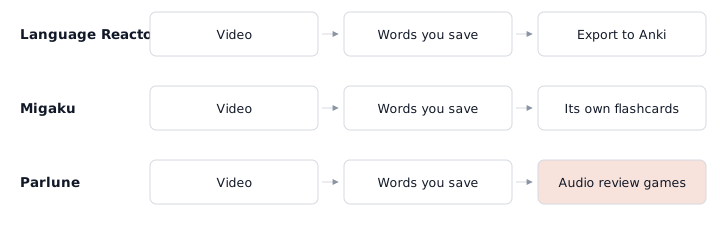
Language Reactor makes saving words across all features and Anki export part of Pro, while free saving is limited to PhrasePump.
Migaku is built around a deeper flashcard and spaced-repetition workflow, making it particularly attractive to learners who want review to be a central part of their study routine.
Other platforms take different approaches to vocabulary learning. The important distinction is whether you want to collect vocabulary from content, review it inside the same platform, export it into another system, or have the review experience remain tightly connected to the original audio.
Parlune takes the last approach. Saved words and sentences can return through spaced repetition using short audio games built from the original speaker’s voice. That makes the review material another encounter with the same real-world speech rather than a detached vocabulary list.
The answer may depend more on your videos than your app
The biggest lesson from the YouTube census is not that one language-learning tool has beaten another.
It is that the video itself can be the limiting factor.
If your favourite videos consistently have subtitles, a subtitle-based tool can be excellent. You can spend your time looking up words, saving phrases and reviewing what you encounter.
But if you are learning from podcasts, interviews, vlogs or news and choosing videos because the content is interesting rather than because somebody has prepared subtitles for learners, the situation changes.
Our sample found that 79.9% of the genuinely relevant videos had no human-written subtitles, and 17.4% had no text in the language at all.
There was also an unusual result for Chinese: none of the 37 sampled Chinese videos that were genuinely in Chinese carried a speech-recognition track. YouTube’s documentation lists Chinese as supported, so the cause of this result is unknown. It should not be interpreted as evidence that YouTube does not transcribe Chinese.
Again, this census measured whether text existed. It did not measure transcript accuracy.

That is the reason the subtitle question belongs in an article about Language Reactor alternatives. It is not a criticism of subtitle-based learning. It is a reminder that the first step in the workflow — getting text from the video — can be the part you cannot control.
Frequently asked questions
Is Language Reactor completely free?
No. Language Reactor has a free tier, but some features are Pro-only.
Saving words across all features and Anki export are Pro features, while free saving is limited to PhrasePump. Language Reactor also offers Pro speech-recognition and machine-translation functionality presented under a Netflix heading.
At the time of writing, Pro was showing at £4.47/month to a UK visitor, with £10.47 for three months and £29.99 for one year also listed.
Is Language Reactor still working?
Yes. Language Reactor remains an active language-learning platform. Its own homepage reports more than 2 million users and support for content in more than 40 languages.
If a particular feature is not working, that is different from the service as a whole no longer working. It is also worth checking whether the video you are trying to study has a subtitle track in the language you need.
Which is better, Lingopie or Language Reactor?
Neither is universally better.
Language Reactor is a strong choice if you want interactive study around video and already have the content and subtitles you need. Lingopie is more catalogue-oriented, with more than 5,000 TV shows and films and plans centred around a selected language.
If your priority is choosing your own YouTube videos, the comparison is different again. In that situation, subtitle availability may matter more than the size of a curated catalogue.
Is Language Reactor any good?
Yes. Language Reactor is good at what it does, and it has become one of the best-known products in the category for a reason.
It has a mature video-learning workflow, broad language support and a large user base. If your study material already has the subtitles you need, there may be little reason to move.
But “good” does not mean “best for every learner.” If your main problem is missing subtitles, Trancy’s YouTube AI transcription or Parlune’s audio transcription may be more relevant. If spaced repetition is the centre of your workflow, Migaku may be a better fit.
So, what is the best Language Reactor alternative?
For most learners, the answer depends on the problem they are trying to solve.
Language Reactor remains a very good choice when the subtitle-based workflow matches your content. Trancy is a natural alternative for learners interested in YouTube AI transcription. Migaku is better suited to a more intensive flashcard and spaced-repetition approach. Lingopie makes sense if you prefer a curated catalogue of shows and films, while LingQ is worth considering if you want a broader content-based learning system.
Parlune is the most different of the five.
Its premise is simple: don’t wait for the subtitles. Make them.
Paste in the YouTube video you actually want to study. Parlune takes the audio, transcribes it, splits it into sentences and translates it. The resulting transcript stays aligned to the speaker, words can be explored in context, and saved material can return through audio-based spaced repetition.
That approach costs more — the plans are here. There is no free tier, and it is limited to YouTube. Those are real trade-offs, not footnotes to hide at the bottom of the page.
But if the videos you want to learn from are routinely the ones that come without subtitles, the cost buys something that a conventional subtitle reader cannot: the ability to turn the video itself into the lesson.
And that may be the most useful thing to look for in a Language Reactor alternative.
If that is what you have been missing, try it on a video you have already given up on.