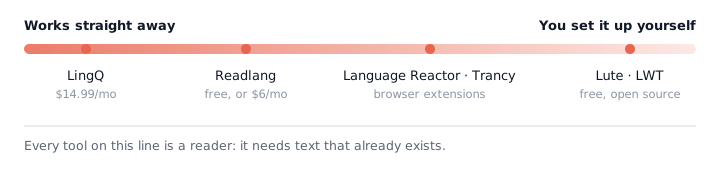
LingQ is one of the best-known tools for learning a language through real content. You can read articles, listen to audio, import material from elsewhere and build vocabulary as you go. It also has a large library of lessons, with 40+ languages and more than 50,000 lessons available.
But LingQ is not the right fit for everyone.
Some people are looking for a cheaper LingQ alternative. Others have run into problems importing content from YouTube, podcasts or Netflix. Some simply want a simpler reader that does one thing well.
And there is another question that is easy to miss when comparing these tools:
Does the content you want to study actually have usable text?
That matters because most language-learning readers depend on text already existing. If the video or audio you want to study has poor subtitles — or none at all — the reader cannot do much with it.
This guide compares the main LingQ alternatives, including Readlang, Lute, Learning With Texts, Language Reactor, Trancy and Parlune, and looks at where each approach makes sense. For the wider picture, see our roundup of the best YouTube language tools.
Is there a free version of LingQ?
Yes. LingQ has a free tier, although it is quite limited compared with the paid versions.
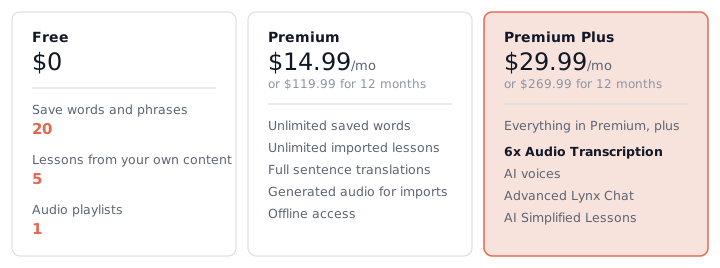
The free plan allows you to save up to 20 words or phrases, create 5 lessons from imported content, and have 1 audio playlist.
That is enough to try the basic idea, but it is not really a full free replacement for a paid LingQ account if you intend to use it regularly.
Paid plans start at $14.99 per month, and the longer the term you commit to, the lower the headline rate — 24 months of Premium saves $75 against paying monthly across the same period.
| LingQ plan | Price | What you get |
|---|---|---|
| Free | $0 | 20 saved words/phrases, 5 imported lessons, 1 audio playlist |
| Premium | $14.99/mo | Full paid plan |
| Premium | $119.99/12 months | Works out at $10.00/mo |
| Premium | $215.76/24 months | Works out at $8.99/mo |
| Premium Plus | $29.99/mo | Includes Audio Transcription |
| Premium Plus | $269.99/12 months | Works out at $22.50/mo |
So, is LingQ worth the money?
It can be. If you want a mature, plug-and-play system for reading and listening to foreign-language material, LingQ has a lot going for it. Its 40+ languages and 50,000+ lesson library are difficult for smaller alternatives to match.
The important question is whether you need everything LingQ provides.
The problem with most LingQ alternatives: they need text
Before comparing the tools one by one, it is worth naming the constraint that separates them.
LingQ and most of its alternatives are essentially readers.
You give them text. They help you understand that text.
That works extremely well when the text exists.
But what happens when you find a YouTube video you really want to study and its subtitles are missing, inaccurate or not available in the language you’re learning?
We looked at this question using a sample of 392 YouTube videos across 10 study languages. After excluding 29 videos that were not in the language searched for, 363 videos remained in the relevant sample.
The result was striking:
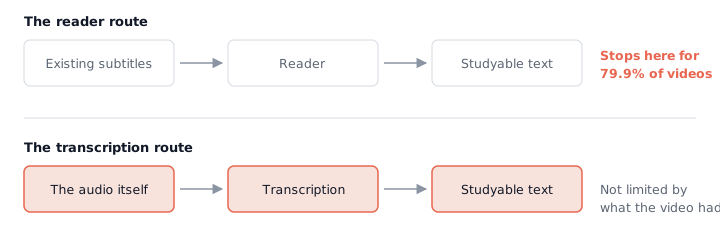
79.9% of the videos had no human-written subtitles in the language being studied.
And 17.4% had no text in that language at all.
Only 20.1% had human-written subtitles in the language being studied.
The rates varied substantially between languages. Spanish had the lowest rate of human-written subtitles in the sample, at 5.1%, while Korean had the highest, at 45.5%.

This matters because subtitle availability is effectively a gatekeeper for a whole category of language-learning software.
If good text exists, a reader can work with it.
If it doesn’t, the reader cannot magically create it.
That is the distinction between tools that work with existing text and tools that produce the text you need to study.
Parlune: a different approach to the subtitle problem
Parlune is our own product, and it takes a different approach from the typical LingQ alternative. We set the two side by side in LingQ vs Parlune.
Instead of assuming the video already has usable subtitles, it transcribes the audio itself and turns that audio into punctuated sentences that can be studied.
That distinction matters because of the subtitle numbers above.
If 79.9% of the videos in the sample do not have human-written subtitles in the language being studied, relying on existing subtitles rules out a surprisingly large amount of real-world content.
Parlune is designed to remove that dependency.
It is also priced differently from a conventional reading platform. The Normal plan is $14.99 per month and includes 10 hours of imported content, while the Heavy plan is $24.99 per month and includes 20 hours.
That works out to effective rates of $1.50 per hour and $1.25 per hour, respectively.
This is not automatically a better deal than LingQ or Readlang. It is a different trade-off.
If you are primarily reading articles or watching videos that already have good subtitles, Readlang at $6 per month is likely the better fit.
If you regularly find videos without usable subtitles and want to study them anyway, producing the text becomes much more important.
Readlang: the main LingQ alternative
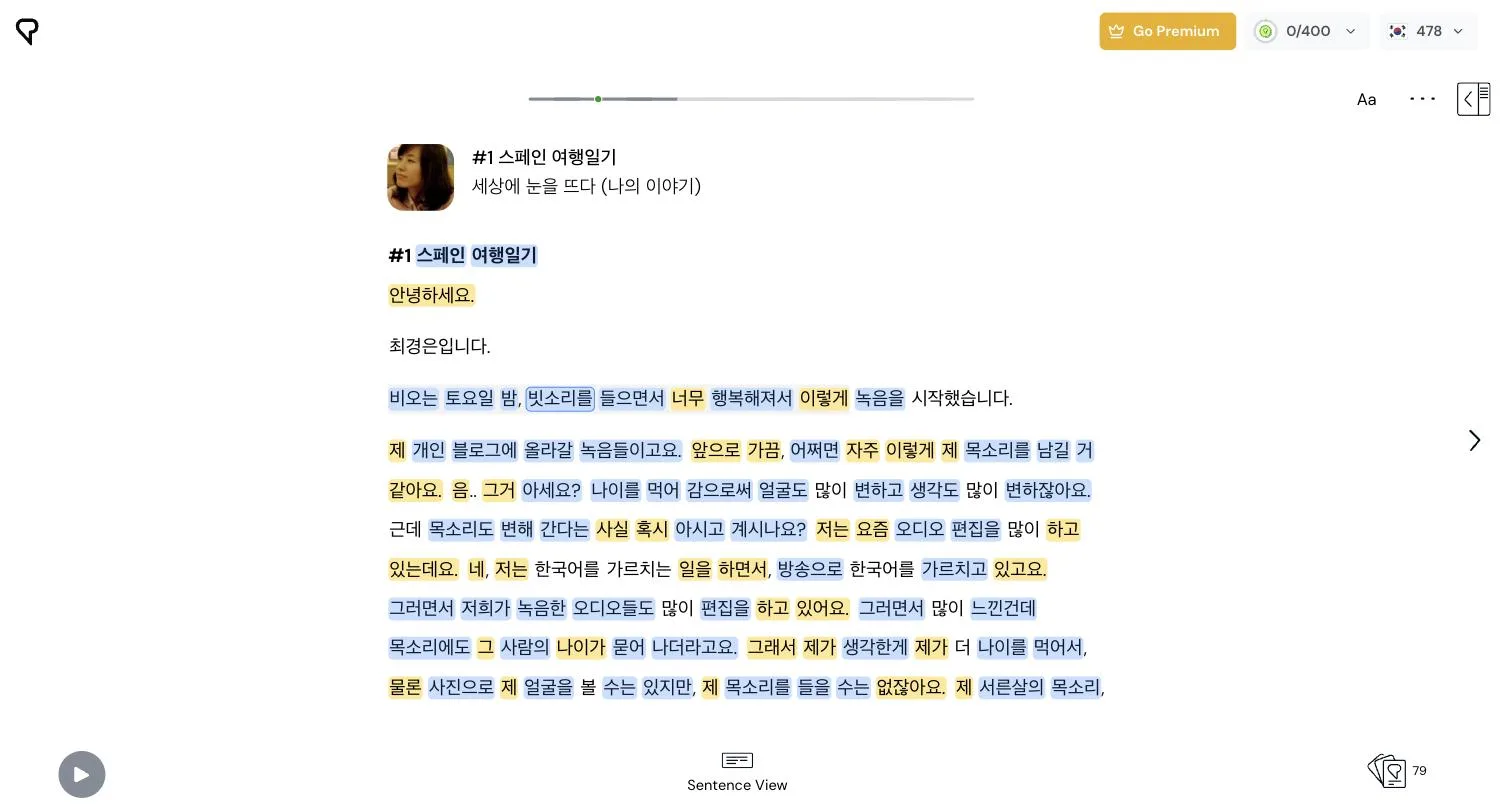
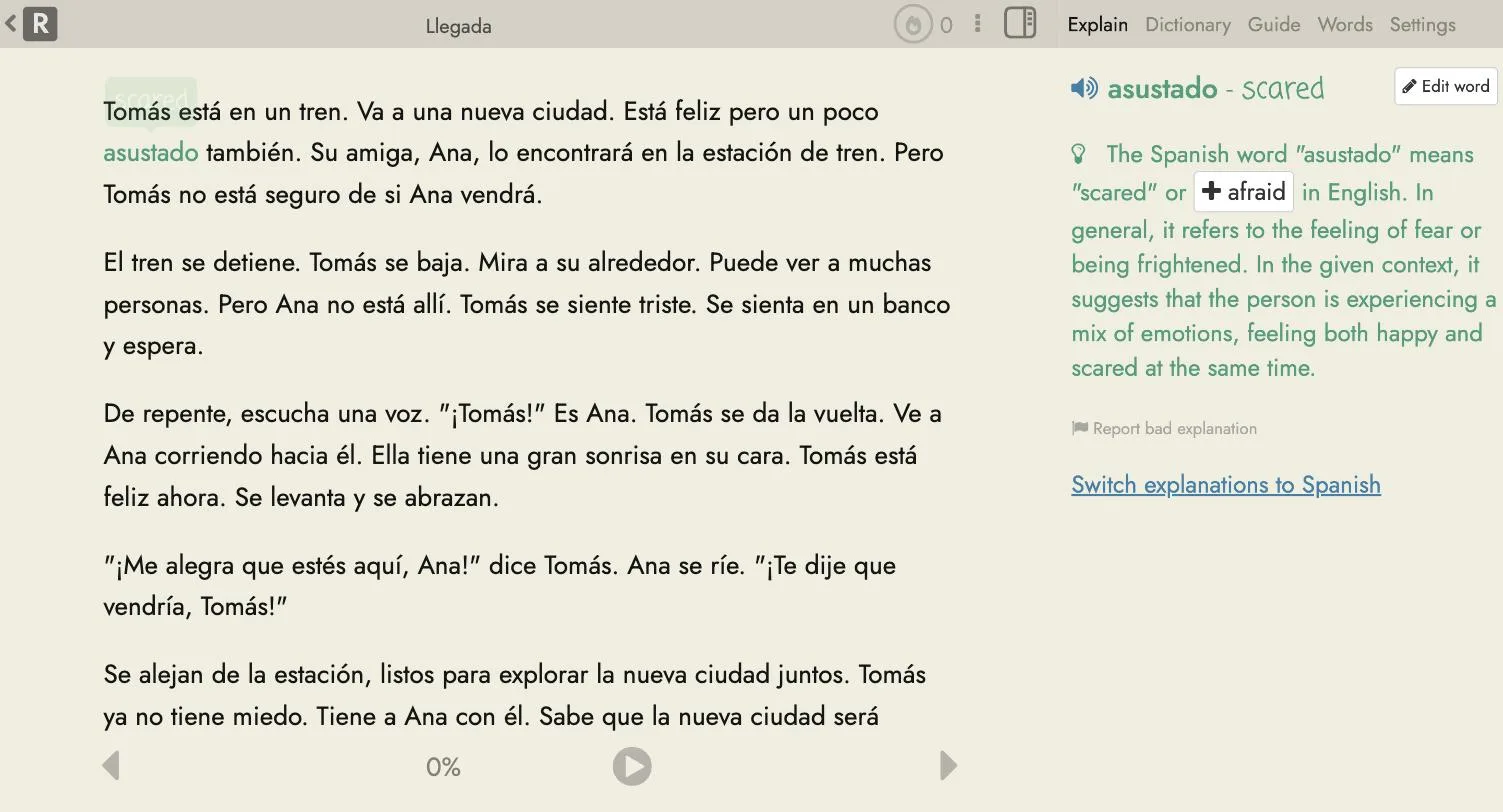
If you mainly want to read real content and look up words as you go, Readlang is probably the most obvious LingQ alternative.
The basic idea is similar: take authentic material, read it in your target language and translate words or phrases without constantly leaving the page.
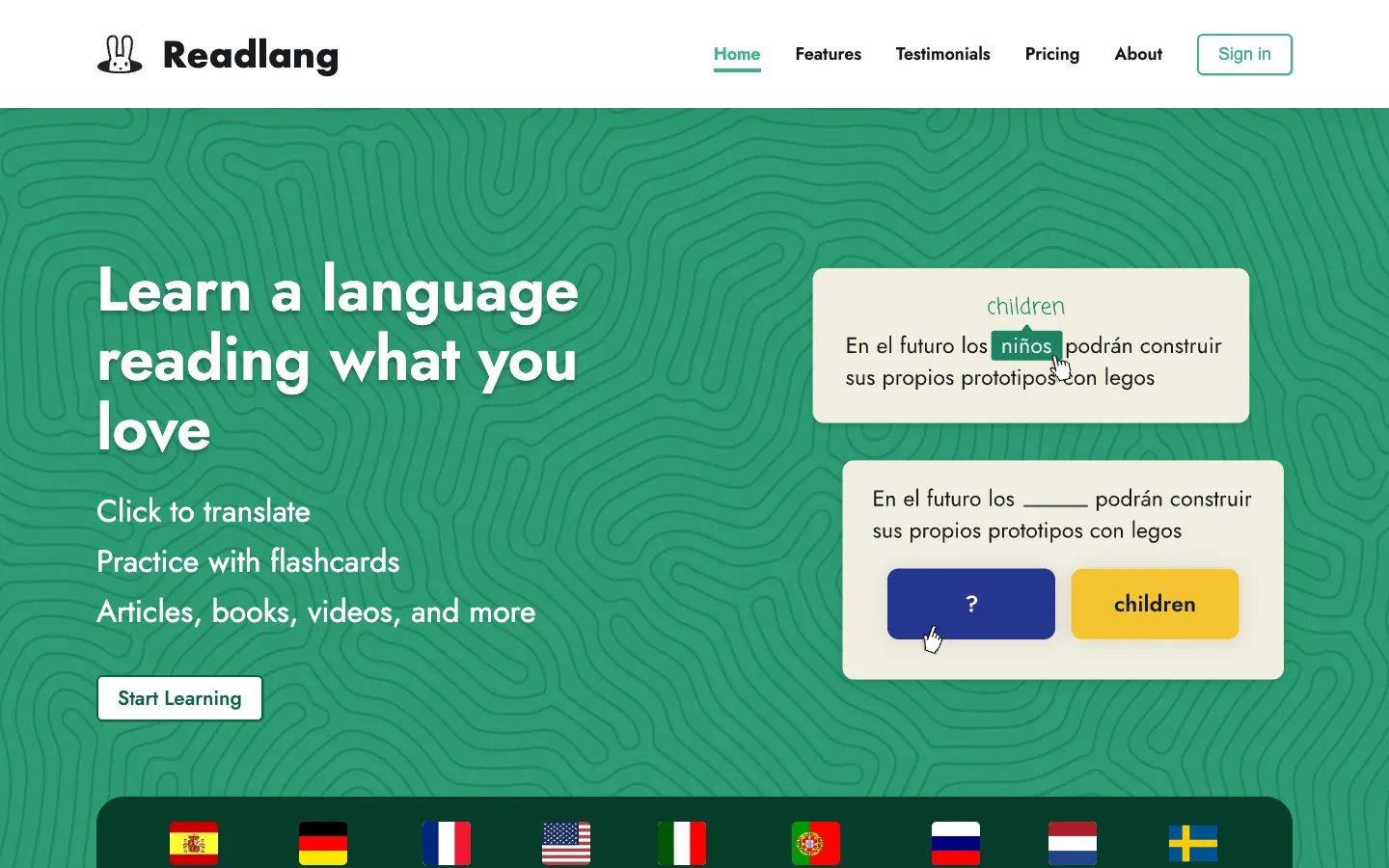
The big difference is price.
Readlang has a free plan, with phrase translations limited to 10 per day, with a maximum of six words per translation. It also provides up to 10 context explanations per day.
Premium costs $6 per month or $48 per year, while Premium Plus costs $15 per month or $120 per year.
That makes Readlang particularly interesting for someone who has already decided that they do not need LingQ’s larger ecosystem.
If the content you want to study already has good text, Readlang can be the more sensible choice. There is little reason to pay for a much larger platform if what you actually want is a straightforward way to read and understand foreign-language material.
Readlang vs LingQ
The choice is fairly straightforward:
Choose LingQ if you want a broad, established learning platform with a large content library and lots of built-in material.
Choose Readlang if your priority is reading real content with a simpler and cheaper setup.
Readlang is also one of the clearest answers to the question, “What is a cheaper LingQ alternative?”
Lute and Learning With Texts: the genuinely free route
If price is the main concern, there is another category worth considering: open-source tools.
Lute is free and open source. It is designed around the same basic principle as many tools in this category: bring your own content, read it, and use the application to help you understand and learn from it.
Learning With Texts (LWT) is another open-source project built around learning languages through reading.
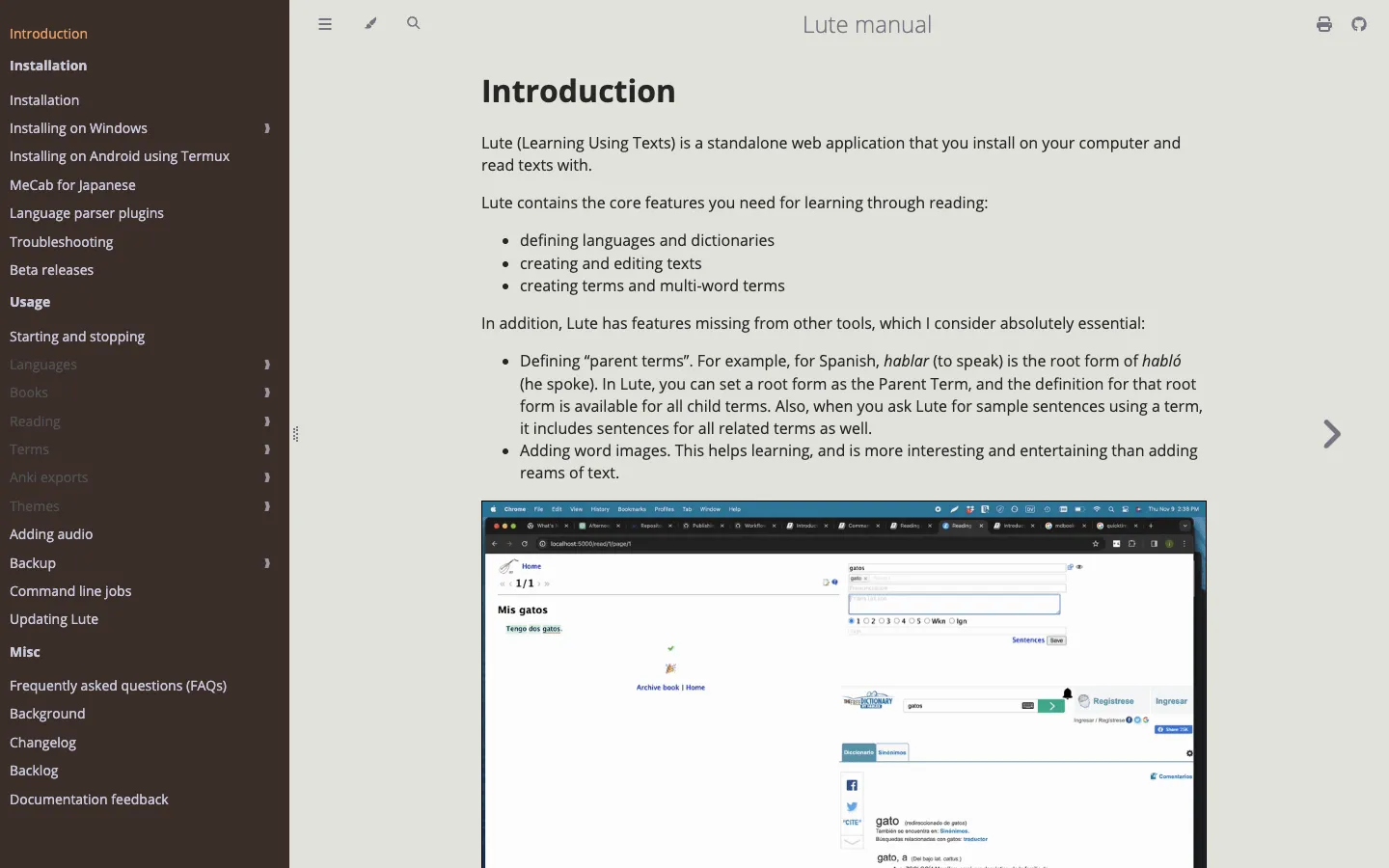
These tools are appealing because there is no subscription price attached to the core software.
The trade-off is convenience.
LingQ has spent years building a polished, integrated service around importing content, reading, vocabulary and lessons. An open-source alternative can give you much more control, but you may need to spend more time setting things up and managing your own content.
So if the question is:
“Is there a genuinely free LingQ alternative?”
The answer is yes. Lute and Learning With Texts are the obvious places to look.
But “free” and “closest replacement” are not necessarily the same thing.
Other LingQ alternatives worth knowing about
There are several other tools aimed at people who learn from authentic content rather than traditional courses.
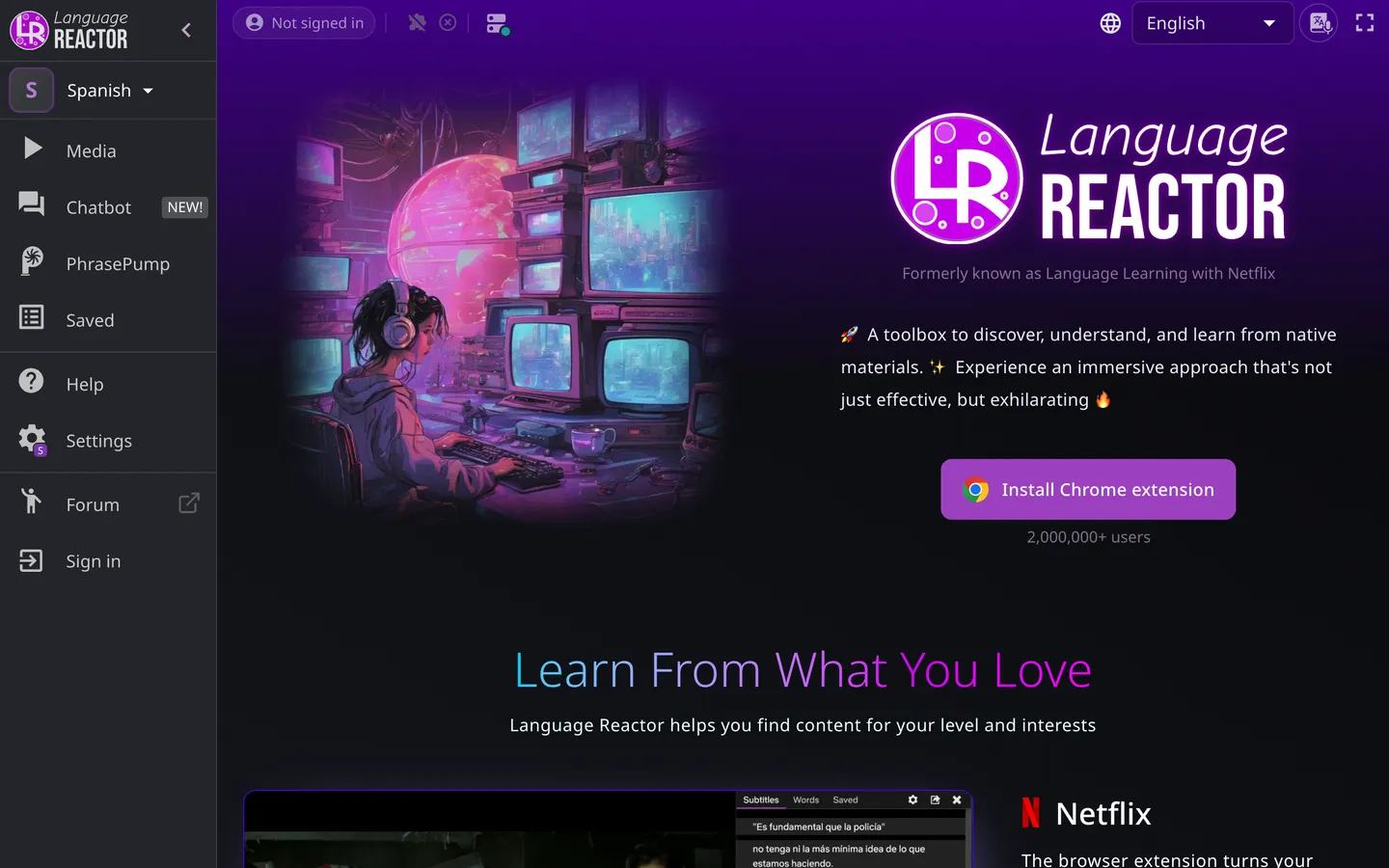
Language Reactor is particularly focused on learning through online video. It works around video playback, subtitles and language-learning features, and its site says it has more than 2,000,000 users. Pro costs £4.47 for one month or £29.99 for one year, with prices shown in the visitor’s local currency.
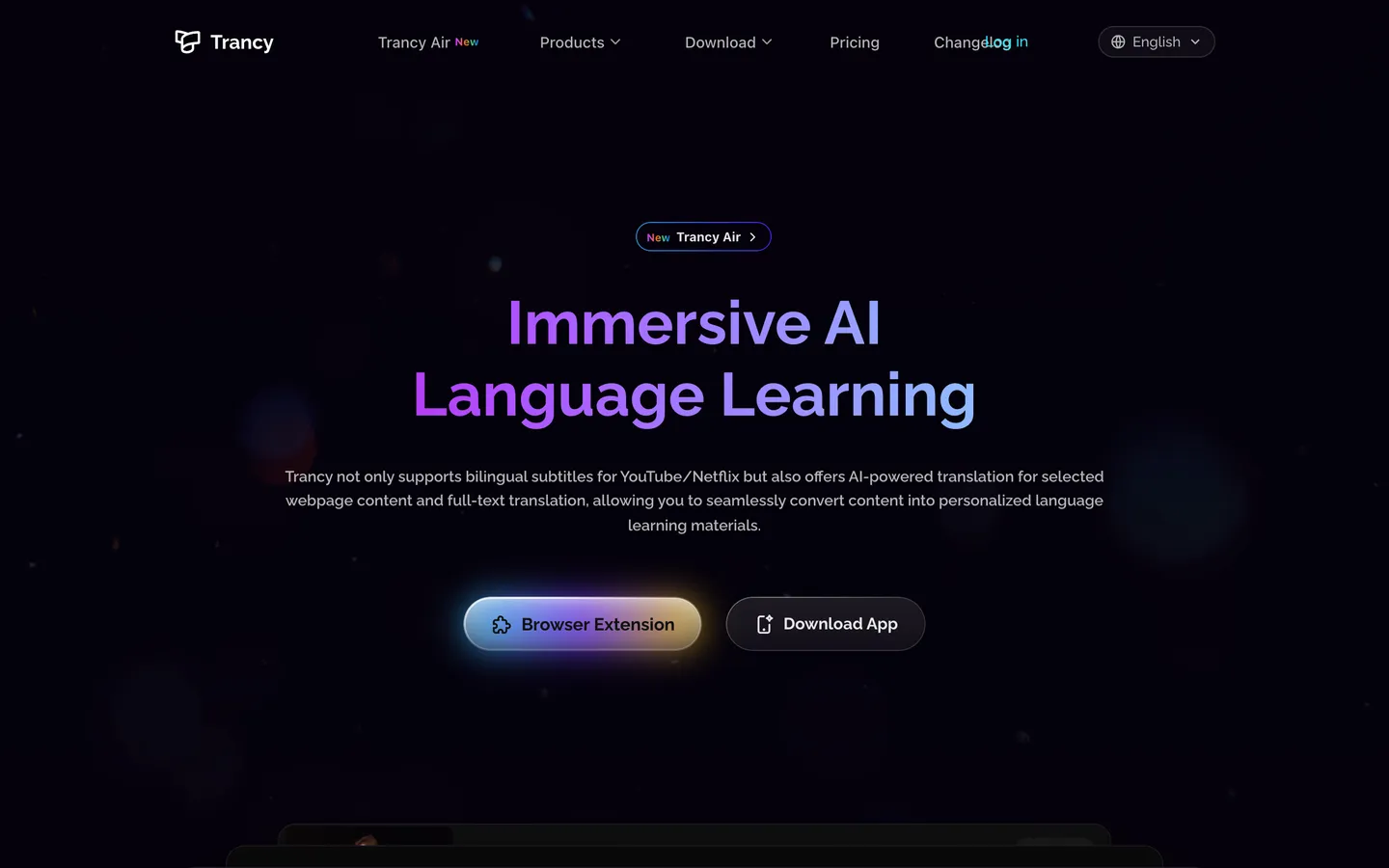
Trancy also focuses heavily on video-based language learning. Its Premium plan is the cheapest paid tier of any tool here, though the headline price moves with whatever promotion is running, so check its pricing page. Its YouTube AI subtitle transcription is capped at 40 videos per day on Premium and 60 per day on Premium + Advanced AI.
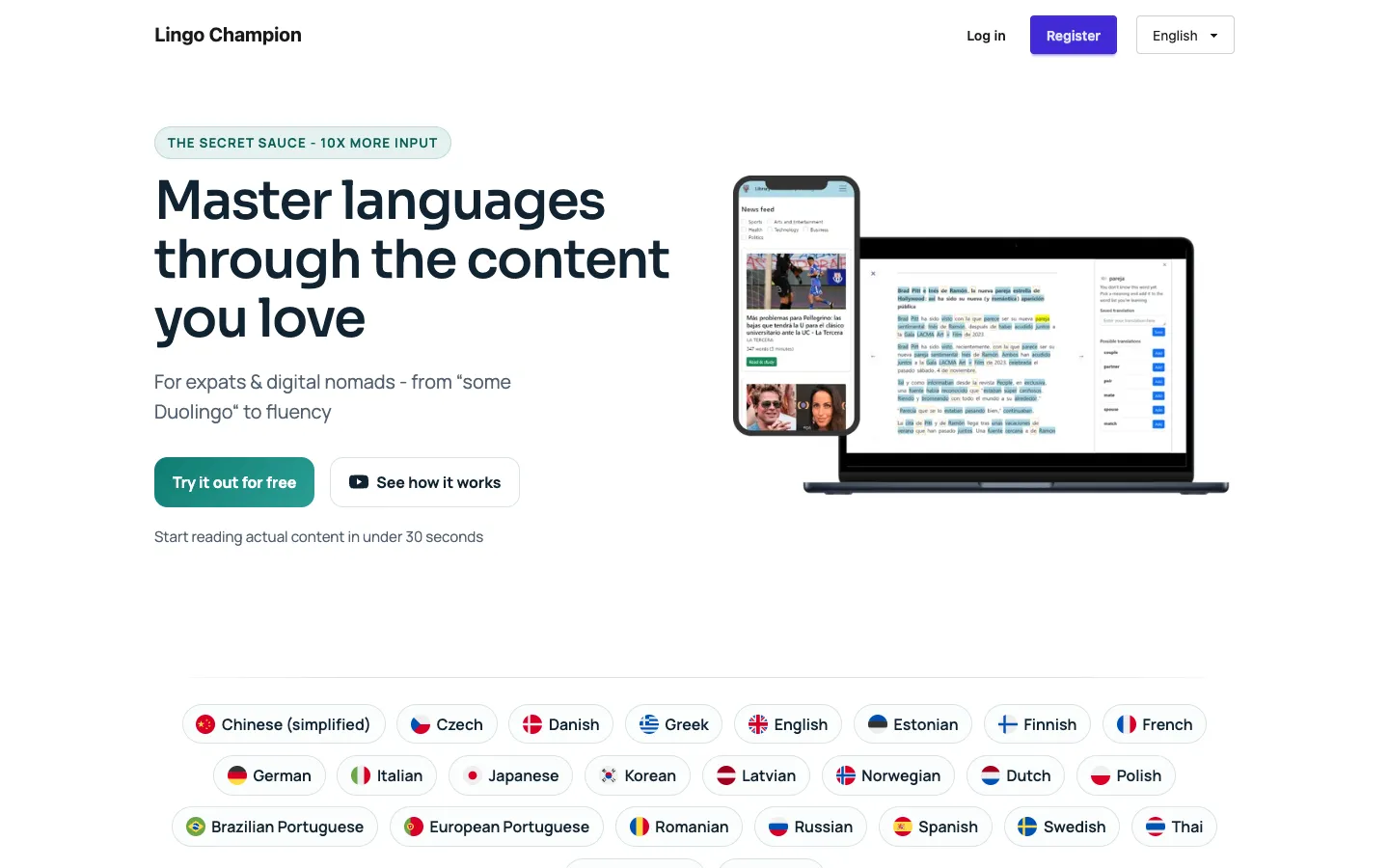
Lingo Champion is another option, with a premium price of $7.99 per month.
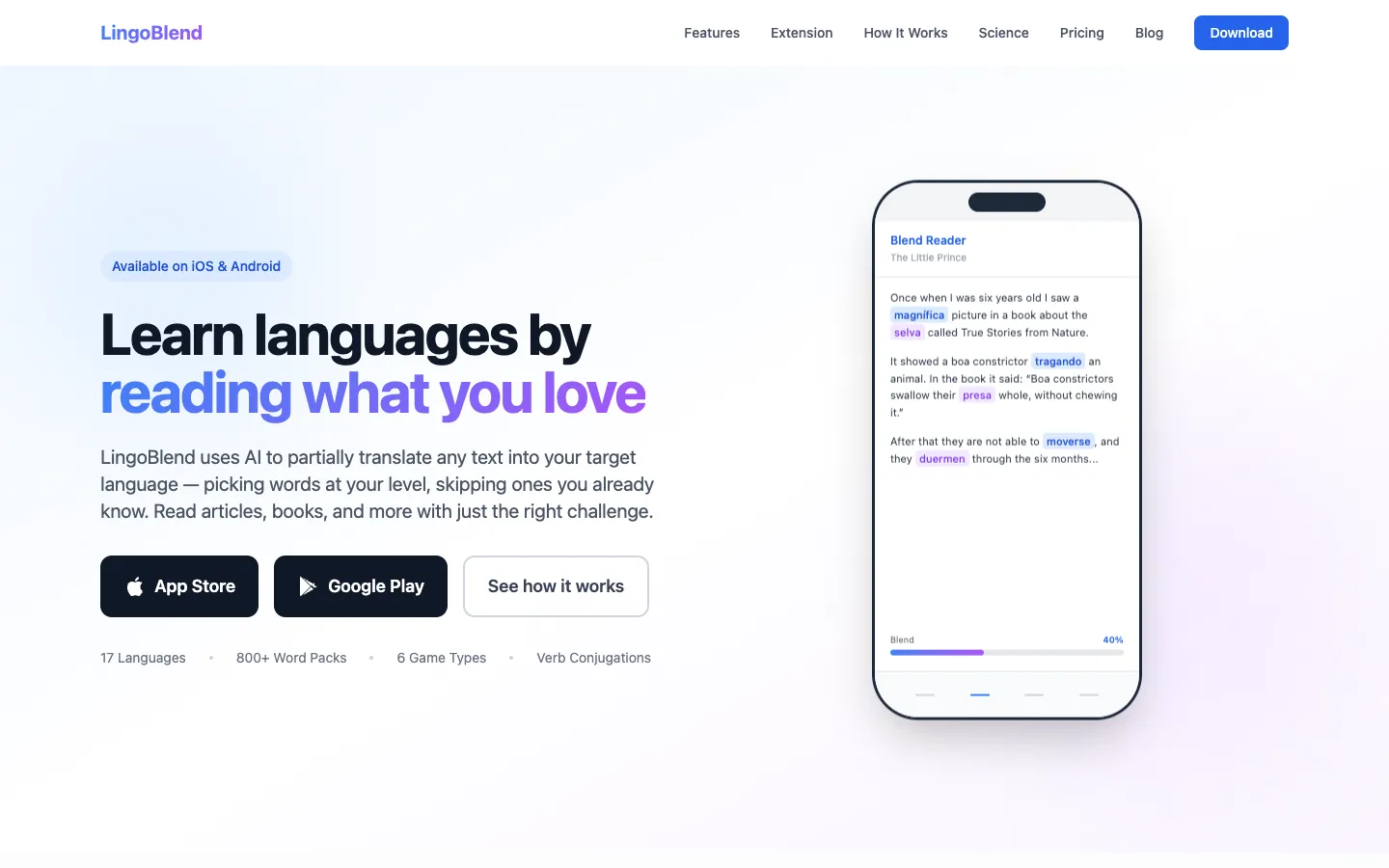
LingoBlend, Migaku, LanguageCrush, MyLang Reader, LinguaCafe, VocabTracker, DuoCards and Lenglio also occupy parts of the same general space.
They are worth investigating if a particular feature matters to you, but the important thing is not to assume that every “LingQ alternative” is solving exactly the same problem.
Why some people leave LingQ
This also helps explain some of the reasons people look for a LingQ alternative in the first place.
Across community discussions, users have mentioned problems with imports from sources such as YouTube, podcasts and Netflix. Others have complained about bugs or about translations that are supplied by other users rather than being consistently produced to their preferred standard.
There are also complaints around cancellation and the cost of the paid plans.
These are user reports, rather than universal problems with LingQ, so they should be treated accordingly. There are plenty of users who remain very positive about the service.
In fact, one of the most important counterpoints in discussions about LingQ is that nothing else quite replicates everything it does.
The argument is essentially that if you want a polished, plug-and-play experience, LingQ remains very difficult to replace.
That is a fair criticism of many “LingQ alternative” lists. A cheaper tool might replace one part of LingQ without replacing the whole experience.
What about Asian languages?
Language support becomes particularly important once you move beyond European languages.
Community discussions about LingQ alternatives repeatedly bring up languages such as Chinese, Japanese and Korean. Asian-language learners can run into different problems around segmentation, writing systems, translations and text extraction.
That means a tool that works beautifully for someone learning Spanish may not necessarily feel as useful for someone learning Japanese or Korean.
This is another reason to be cautious about treating the category as one big group. “Language-learning reader” covers several different technical problems, and they do not affect every language equally.
If you are learning an Asian language, it is worth checking the specific language support and text-handling features before committing to a platform.
Mobile and iOS support
Mobile availability is another practical consideration.
LingQ has mobile apps, which is one of the advantages of using a mature commercial platform.
Other services vary considerably in how much of the experience is available on mobile, and whether their mobile experience is comparable to their desktop version.
This matters especially if your study routine involves reading or listening away from your computer.
For open-source options such as Lute and LWT, the experience is naturally more dependent on how you choose to run and access the software.
So if Android or iOS support is a requirement, check that before choosing based purely on price or features.
So which LingQ alternative should you choose?
There isn’t one universal winner.
The best choice depends on what you actually do when learning.
| If you want… | Consider |
|---|---|
| To study videos even when usable subtitles don’t exist | Parlune |
| The closest all-round LingQ experience | LingQ |
| A cheaper reading-focused alternative | Readlang |
| A simple tool for content with existing text | Readlang |
| A genuinely free, open-source option | Lute or LWT |
| Maximum control and a DIY setup | Lute or LWT |
| Learning primarily from online video | Language Reactor or Trancy |
Parlune
Best suited to learners who want to study real YouTube content but do not want the availability or quality of existing subtitles to determine what they can study.
Its pricing is based on imported hours rather than simply giving unlimited access to a library of existing text.
LingQ
Best for learners who want an established, broad platform and do not mind paying for it.
Its large lesson library, 40+ languages and integrated approach make it difficult to replace completely.
Readlang
Best for learners who mainly want to read real material and look up vocabulary.
At $6 per month, it is considerably cheaper than LingQ Premium, and its free tier makes it easy to try.
Lute and LWT
Best if you want to spend nothing on the software and are comfortable with a more DIY approach.
They are genuinely free/open-source options, but they do not necessarily provide the same plug-and-play experience as LingQ.
Language Reactor and Trancy
Best suited to people whose language learning revolves heavily around video.
They are worth considering if subtitles and video playback are central to your study routine. We look at that group more closely in our Language Reactor alternatives guide.
The bottom line
There is no single LingQ alternative that replaces everything LingQ does.
That is probably the most honest conclusion.
LingQ remains unusually strong if what you want is a polished, plug-and-play system for reading and listening to foreign-language material. Its 40+ languages and 50,000+ lessons give it a depth that smaller alternatives cannot easily reproduce.
But you may not need all of that.
If you mainly read text that already exists, Readlang is a compelling cheaper alternative. If you want something genuinely free, Lute and LWT are worth looking at. If video is your main source of learning material, Language Reactor and Trancy take a more video-centric approach.
And if your biggest problem is that the video you want to study simply doesn’t have usable subtitles, that is a different problem altogether.
Our subtitle census suggests that this happens far more often than you might expect: 79.9% of the sampled videos did not have human-written subtitles in the language being studied.
That makes the ability to create studyable text from audio more than a minor convenience. For some learners, it determines whether a particular video can be used at all.
That is where a tool such as Parlune takes a different approach from the traditional LingQ model: instead of asking whether the content already has suitable text, it creates the text from the audio. Its plans are priced by imported hours rather than by library access.
Neither approach is universally better.
If the text is already there, use a good reader.
If it isn’t, a reader can only take you so far.
If that is the wall you keep hitting, you can paste a YouTube URL into Parlune and see what the transcription gives you.